this post was submitted on 30 Jul 2024
69 points (94.8% liked)

Linux

53618 readers
57 users here now

From Wikipedia, the free encyclopedia

Linux is a family of open source Unix-like operating systems based on the Linux kernel, an operating system kernel first released on September 17, 1991 by Linus Torvalds. Linux is typically packaged in a Linux distribution (or distro for short).

Distributions include the Linux kernel and supporting system software and libraries, many of which are provided by the GNU Project. Many Linux distributions use the word "Linux" in their name, but the Free Software Foundation uses the name GNU/Linux to emphasize the importance of GNU software, causing some controversy.

Rules

Related Communities

Community icon by Alpár-Etele Méder, licensed under CC BY 3.0

founded 6 years ago
MODERATORS
 

I have to use Windows on my work computer and I am finding it hard to get FOSS applications on Windows that can do stuff like

  1. Record a video (like SimpleVideoRecorder does)
  2. Take a screenshot (there's snip, but it isn't very customizable)
  3. Unzip .zip files

Just the routine things I used to take for granted on Linux, so I was wondering if there was a FOSS app store for Windows

And it would be very helpful if someone could suggest alternative for

  1. SimpleVideoRecorder
  2. Archive Manager

Even the apps I installed for these things either had ads or asked me for payment to record more than 2 minutes of video, I am pretty sure there are FOSS apps to do these things out there, but I don't know where :')

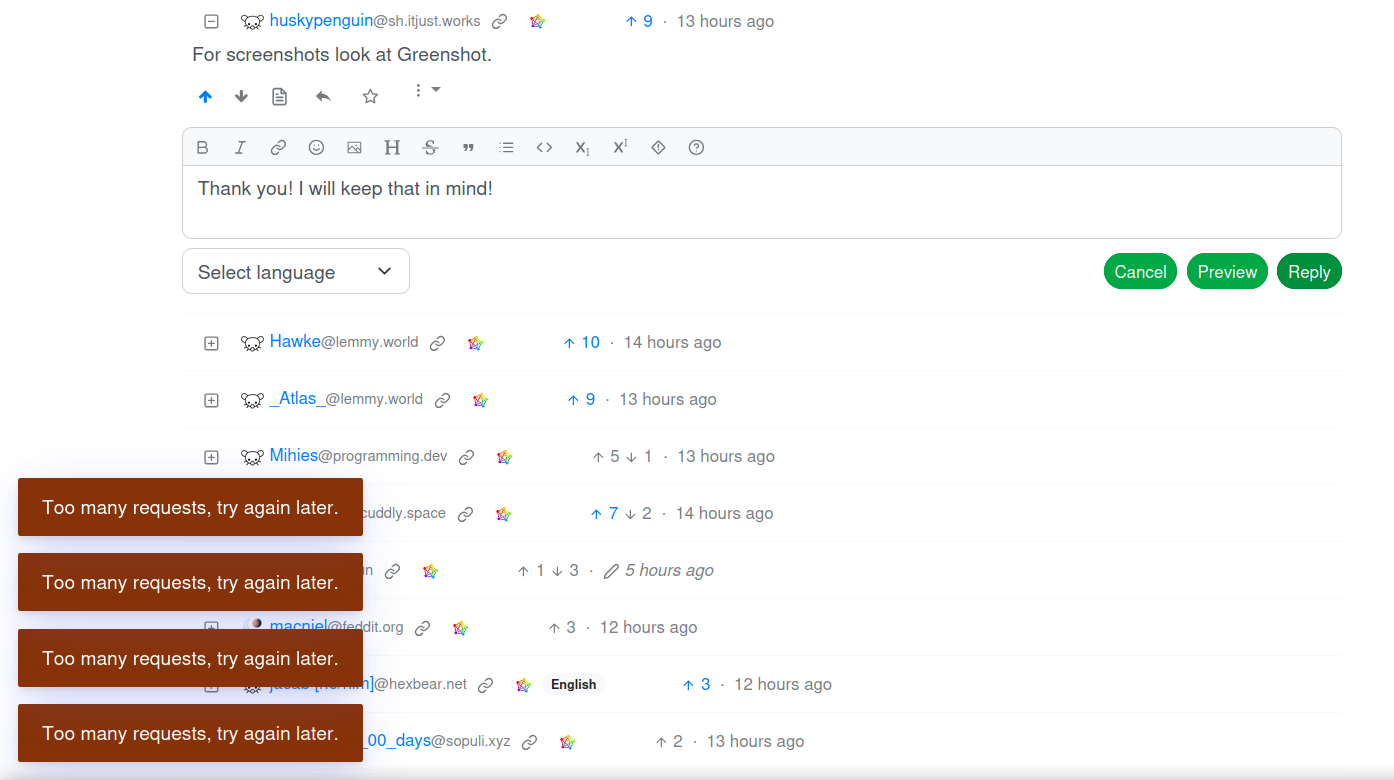
PS: To everyone who has tried to help, thank you very much. I was feeling guilty for not replying to most of you, so I thought I would reply to all of ya, but funnily enough, lemmy had had enough of my gratitude!
top 50 comments
sorted by: hot top controversial new old
[–] Sami@lemmy.zip 33 points 2 years ago (1 children)

For video recording I use OBS and for zip files I use 7-Zip

[–] infeeeee@lemm.ee 10 points 2 years ago (1 children)

7zip doesn't support the new win11 rightclick menu (yet), nanazip is a fork with full win11 support:

https://github.com/M2Team/NanaZip

[–] Corr@lemm.ee 4 points 2 years ago (4 children)

I'm using 7zip on win11. You need to get into the old context menu to see it tho. You can edit the registry to make the old one the default too.
No idea why it's a registry edit but Microsoft will do what they will

load more comments (4 replies)
[–] narc0tic_bird@lemm.ee 28 points 2 years ago
  1. OBS Studio, or even Xbox Game Bar (built-in, but might be disabled at your work PC)
  2. ShareX
  3. 7-Zip
[–] lord_ryvan@ttrpg.network 23 points 2 years ago* (last edited 2 years ago) (5 children)

To be fair, these tools are all already built-in

  1. Xbox Game Bar (Win+G)
  2. Windows screenshot (Win+S / Win+Shift+s)
  3. File Explorer (Win+E) can handle .zip, even preview them quite nicely.

I realise these are not open source (and others have already given great open-source options I would give, as well). But you're using Windows already, so why not use Windows?

[–] infeeeee@lemm.ee 13 points 2 years ago

File explorer's built in archiver is still lagging behind, while it's mostly usable, last time I tried to open a password protected rar, and it didn't show a pw dialog just failed silently. 7zip opened it correctly

[–] cizra@lemm.ee 3 points 2 years ago

Once I downloaded, installed and used 7zip to extract a .zip archive while Windows Exploder was extracting the same file.

[–] terminhell@lemmy.dbzer0.com 3 points 2 years ago* (last edited 2 years ago) (1 children)

Just one little addition: win+shift+s for snipping tool. Let's you select a region, window or whole screen.

[–] ReversalHatchery@beehaw.org 1 points 2 years ago (1 children)

Yeah but those tools are very inferior. The GUI of 7z is much better for any task, it even adds right click shortcuts to common actions to your files. Same with greenshot. Haven't ever used the game bar's recorder so can't tell about that, but once you learn the very basics of OBS (which is the location of the record button) it's much more flexible, even without that flexibility being in the way.

[–] lord_ryvan@ttrpg.network 1 points 2 years ago* (last edited 2 years ago)

Everyone else is already giving those, so like I stated I wouldn't repeat them here.

I just added the information that there are also built-in tools for these, this information was missing from the comments.

[–] Dirk@lemmy.ml 21 points 2 years ago* (last edited 2 years ago) (1 children)

I have to use Windows on my work computer and I am finding it hard to get FOSS applications on Windows that can do stuff like

The Gold standard in the screen recording world is OBS. It's not only available for Linux, but also for Windows and, well, is the gold standard. If you ask the question if OBS can do this-or-that regarding screen recording, the answer generally is yes (or "yes, via plugin"). Just use OBS on all platforms, it's clearly the most mature screen recording tool out there.

[–] Outsider9042@aussie.zone 11 points 2 years ago (1 children)

You can even use it as a virtual camera. I’ve had lots of fun with that one in meetings.

[–] DieserTypMatthias@lemmy.ml 2 points 2 years ago

I used Game Bar to record my videos back in the day. But it's just too basic.

[–] sodalite@slrpnk.net 18 points 2 years ago (2 children)

LibreOffice for replacing Microsoft Office

[–] wargreymon@sh.itjust.works 18 points 2 years ago (1 children)

Linux is replacing Windows

[–] Blizzard@lemmy.zip 5 points 2 years ago

LibreOffice works on Windows too.

[–] MonkderVierte@lemmy.ml 1 points 2 years ago

ODF for OOXML.

[–] tmsbrdrs@lemm.ee 13 points 2 years ago

For screenshots, I've been pushing Greenshot as it has built in editing capabilities and has been quite stable on Windows 11

For .zip files, I still stick with 7-zip. It does what it does and has never given me issue.

[–] Hawke@lemmy.world 11 points 2 years ago (1 children)

For screenshots I recommend Greenshot. Simple to use and good annotation tools.

[–] Subject6051@lemmy.ml 1 points 2 years ago

Interesting, I might keep that in the back of my mind as a backup for ShareX

[–] huskypenguin@sh.itjust.works 11 points 2 years ago

For screenshots look at Greenshot.

[–] averyminya@beehaw.org 10 points 2 years ago

ShareX and .7z

[–] _Atlas_@lemmy.world 9 points 2 years ago (1 children)

Check out scoop and chocolatey

[–] DieserTypMatthias@lemmy.ml 2 points 2 years ago

And winget.

[–] SenXEk@lemmy.ml 8 points 2 years ago

For screenshot, you can use Flameshot which do have a Windows version and even a macOS version:

https://flameshot.org/#download

[–] ian@feddit.uk 8 points 2 years ago (1 children)

For simple screen recording, I could only find not-so-simple OBS that let me record a part of a screen. In the end it's a good and reliable solution once you set up and save the local area I want to record. Not so spontaneous, but solid.

I edit the videos in KDEnlive Windows install, which is excellent for this work. I have a smooth process and create many videos quickly.

[–] Petter1@lemm.ee 9 points 2 years ago (1 children)

OBS is just amazing and does not need admin to install 🥰

[–] ReversalHatchery@beehaw.org 3 points 2 years ago

It is also not complicated, contrary to how some like to frame it. Sure there's a bunch of buttons and panels, but you can ignore 90% of them, or even hide them.

[–] simpleguy@cuddly.space 5 points 2 years ago (1 children)

@Subject6051 Most of apps famous in linux are available on windows.

Funny part is while joining Linux we searched alternatives and now for leaving it we need alternatives 😅

[–] Subject6051@lemmy.ml 2 points 2 years ago (1 children)

Indeed! I gotmyself accustomed to a routine of using featherpad instead of notepad, using Kpaint instead of paint, it's weird to be back. "Hey Windows, it's me again, I hate you, but I have been told I must use you."

Pretty weird, it's getting back at me by showing me the wrong time every time I login! :')

[–] theshatterstone54@feddit.uk 2 points 2 years ago

Yeah, I use a tiling WM at home, so having to deal with Windows' way of doing things at college computers was very annoying, especially when the Super+L keybind I used to Launch apps, was used on Windows to Lock the machine. Locking your PC while trying to open an app is very, very annoying.

[–] Mihies@programming.dev 4 points 2 years ago (1 children)
  1. Windows has built in simple zip manager. If you need more, go with 7-zip as others suggested.
[–] Subject6051@lemmy.ml 1 points 2 years ago

7-zip is amazing! thank you!

[–] MangoPenguin@lemmy.blahaj.zone 3 points 2 years ago (1 children)

Windows comes with pretty good tools for these already.

  1. Game Bar can do this and is built in, or ShareX for short clips

  2. Snipping tool is pretty full featured and built in. ShareX is also good.

  3. Windows handles ZIP natively.

[–] ProgrammingSocks@pawb.social 4 points 2 years ago (1 children)

Windows' handling of ZIP files is very poor. I recommend PeaZip or 7zip.

[–] MangoPenguin@lemmy.blahaj.zone 1 points 2 years ago

Can't say I've ever had issues, but PeaZip is good and integrates nicely.

[–] DmMacniel@feddit.org 3 points 2 years ago (1 children)

Doesn't the snipping tool also allow video capture now?

[–] Subject6051@lemmy.ml 1 points 2 years ago

it does, but it's pretty inconvenient. ShareX is better (which I installed after listening to the suggestions)

[–] Sweetpeaches69@lemmy.world 3 points 2 years ago

Pictures: Snagit. Videos: Camtasia.

[–] PseudoSpock@lemmy.dbzer0.com 2 points 2 years ago
[–] sin_free_for_00_days@sopuli.xyz 1 points 2 years ago (1 children)

There's this: https://github.com/lextrack/Simple-Screen-Recorder

Disclaimer: I haven't touched Windows in at least a decade.

[–] Subject6051@lemmy.ml 2 points 2 years ago

Thank you! This would have been great if I didn't get to know about ShareX, FOSS app and it manages screenshots and screenrecordings with many many more features! God bless the devs!

[–] Discover5164@lemm.ee 1 points 2 years ago

flameshot for screenshots

load more comments
view more: next ›