Ctrl + Shift + V pastes without formatting on Windows
Ctrl + Shift + V pastes without formatting on Windows
Sadly, doesn't work everywhere. Sometimes, this is still necessary.
Funny enough, I've found Microsoft apps are the most inconsistent with this functionality
Yeah this doesn’t work anywhere in Office apps
Never in my entire life have I wanted to paste with formatting into a word doc, and you always have to click the stupid little clipboard icon after you paste to undo it.
Yes and after learning of the shortcut, it actually makes me angrier when I get formatted text.
Ctrl + Win + Alt + V works everywhere I've tried it.
Linux too, at least in most applications I've tried. Some will ask you when you ctrl+shift+v if you want to paste formatted or unformatted text.
Ctrl + Shift + V should paste without formatting, but for some reason Microsoft Office software (Outlook, Word, Publisher) refuses to follow this standard.
I've been on Windows since 3.0 and only recently learned that. Use it almost every day now.
Same, I've been using PCs with Microsoft operating systems since fuckin' MS-DOS 3.2 and I only learned about it a couple years ago.
Can anyone confirm if that keeps Jira from doing that "uploading an image" thing when pasting text?
I don't think it's OS dependent.
I maintain a small business website with notepad. HTML in the raw.
"Ah, you think IDEs are your ally. But you merely adopted the lDE. I was born in Notepad, molded by it. I didn't see syntax highlighting until I was already a man. By then, it was nothing to me but blinding!"
Someone asked me what IDE I use for python and I’m so dumb I didn’t even know what they meant. I just said whatever the fedora gnome text editor app is… who needs IDEs!
Real OG's let their brains do the highlighting, like God intended
Oh god, I remember the days of creating webpages by hand-editing HTML in notepad. And not fondly.
There are plenty of consenting adults who would be happy to punch you in the genitals, why not just do that instead?
Not in the new one. It had one job and it does it badly now.
The new notepad is rage inducing
I actually unironically use notepad when I need to write something down because of how quickly it opens up
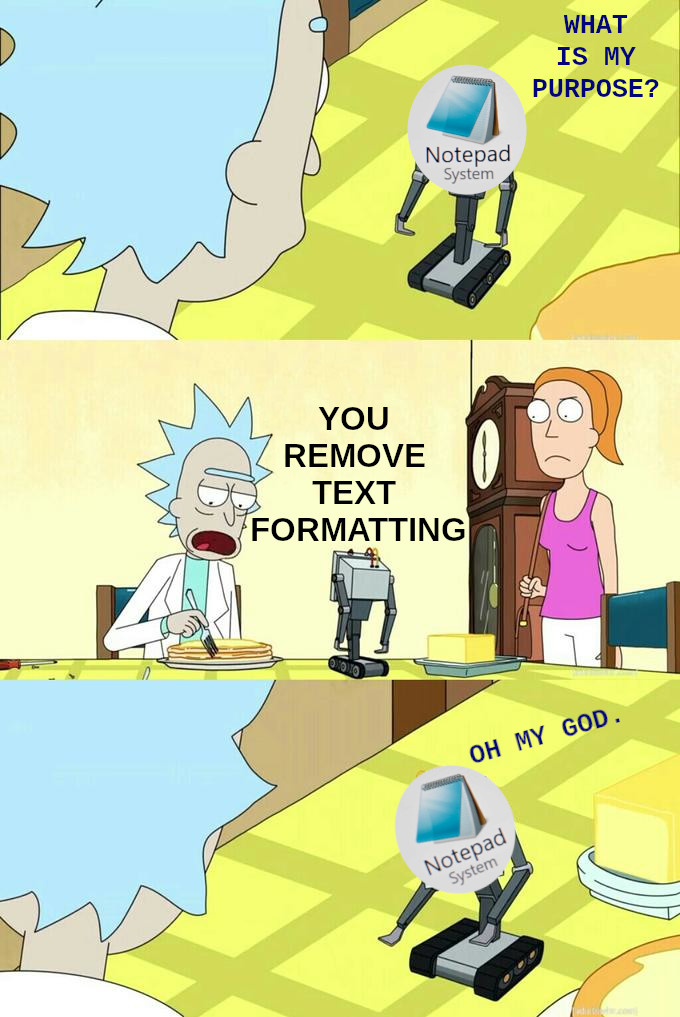
Wait...what....??? I thought it's only me who use notepad to remove text formatting
Yes but you woukd not need to if you just installed Ditto clipboard manager Just press shift-enter in ditto to paste in plain text anywhere
Learn to use this and it will change your life I SWEAR
https://ditto-cp.sourceforge.io/
The shortcut is CTRL+~
Here’s the deal Notepad, we can’t trust MS Word to remove all the nonsense.
Does anyone else use the .LOG feature?
Put .LOG at the beginning of a text file. When opened in Notepad, you should get a date & time stamp.
Open filename.txt, type something, save and close.
Now you have a journal for system and config changes, document collections, time entries, client visits, whatever. Has worked on every Windows box I ever had to use.
Is this something I'm too markdown/LaTeX pilled to understand?
You copy some text from a webpage and put it in your email or word processor, it copies the formating too and everything looks wonky. If you paste the clipboard content in a text editor, like notepad and copy the text from there, you strip the formating.
That is what the post is refering to.
Nailed it, this is the only reason I've used notepad for years. Speaking of which, now that I'm permanently on Linux I should lfind a command line way to do this - there has to be one, if not many.
As a Mac user, in an LLM world, text editors are King.
I couldn't do my job anymore without them.
Yeah, that was the only way that worked consistently. Buttons like "Paste Without Formatting" failed in more than a few cases.
Past tense, because it works on Linux. But I still have the old habit and use KWrite sometimes.
Every text editor removes formatting, plain txt files don't have any format. but text editors, like Notepad are very usefull to edit eg, config files or scripts, where isn't desirable to change the original format. There are apps way more useless than Notepads-
I just the other day edited a Steam config file with some wacky file extension by cracking it open in notepad. Bless plain text.
I fuckin love Notepad. No decorations, no flourish, just me and my raw thoughts
I just paste and then copy whatever i need into the address bar of any browser and its good to go. Unless its very long.
This is literally my primary use of notepad.
Don't shame notepad! Just the other day I had to alter a host file so a computer could talk to a server! That's a very important thing and I wouldn't have been able to do it without trusty notepad!
I was already done with windows, but if I hadn’t decided yet the AI in notepad definitely would have put me over the edge. That’s insane.
lol too good
