Project Moon - Welcome to The City

140 readers
2 users here now

All things Project Moon!

Limbus Company Season 5: Oblivion is now live!

Project Moon Games on Steam

Masterpost of all Project Moon stories

Helpful resources

Limbus Company community (inactive, 8 months worth of daily fanart): !LimbusCompany@kbin.social

(Limbus) Team builder & collection tracker (File > Make a copy)

(Limbus) Database of identities

(Limbus) Database of egos

(City) Lore Compendium

Welcome aboard, managers!

founded 2 years ago
MODERATORS
1
2
2
submitted 8 months ago* (last edited 8 months ago) by LeGaosaure@lemmy.blahaj.zone to c/projectmoon@lemmy.ml
3
4
5
6
7
8


Announcement on Steam.


Hello, this is Kim Jihoon, director at Project Moon.

I write to share some information regarding the following subjects:
"Theater - Identity Stories -Sinner employee card resources changed" from the April 17th (THU) Scheduled Update Notice,
and our current "Walpurgis Night schedule".

I would first like to apologize for delivering this delayed response despite recognizing the issue early on. Due to several internal meetings, it took me some time to write and post this announcement in a timely manner. I apologize.

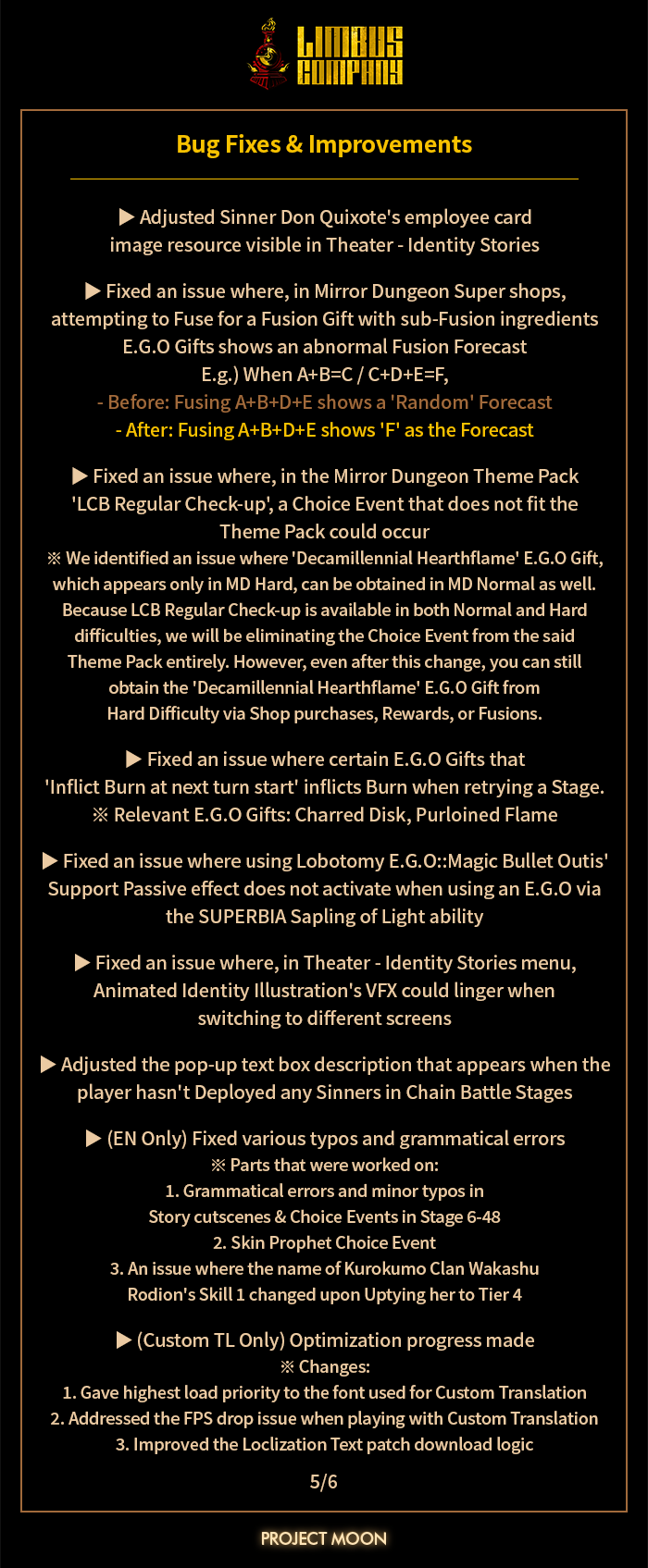
The employee card images applied to the current version of the game, which are reverse sides of the Sinners' employee cards that display their logos, will be replaced with new illustrations as soon as possible(current deadline - by April 30th, Wednesday).

I informed our users long ago that the mugshot illustrations present in the Theater tab will be replaced.
So, given that the mugshot illustrations were going to be changed, I became somewhat overzealous, wondering if there was anything I could express more of or elaborate regarding the Sinners' stories in their pre-employment statuses. Because of this, I wavered on making a judgment call, constantly delaying the finalization of the new mugshots' design directions, and prioritized other urgent upcoming schedules.

The current placeholder versions of the employee cards applied to the game are a result of that hesitation—I began to believe that the image change should be applied as soon as possible, given that we had shared the information that they would be changed long ago, and that the new Season was approaching fast.

However, this decision was problematic for both our players' and my expectations.

Therefore, to prioritize improving the employee card UI image qualities, we intend to produce new mugshot illustrations with minimal changes to the design directions applied in our previous illustrations.

After an impromptu internal discussion, we concluded that our schedule allows for the mugshots to be updated by Apr. 30th (WED).

However, please understand that, in favor of speed, there won't be any significant changes to the characteristics of each Sinner expressed in the previous versions of the mugshots in the re-drawn illustrations. Given that I wavered for such a long time on making any changes to them, we concluded that the lore and design direction of the previous mugshot images were already good.

Also, I regret to inform you that the Walpurgis Night event will be released after Canto 8 is complete, so I beg your forgiveness and patience.
As we are currently all-hands-on-deck for the development of Canto 8, attempting to match the beginning of our Walpurgis Night event with the real-life Walpurgis Night again could cause a significant delay, so I decided to forgo that choice this time.

Once again, I sincerely apologize for causing our managers this inconvenience.

I will try my best to ensure that similar cases do not occur again.

Thank you.

9


Announcement on Steam.


Hello, this is Project Moon.

We have added a new function to be able to set different fonts for title vs. content texts when using custom fonts. (ex) Set different fonts for ID Skill names & descriptions)

Please refer to the following link for a tutorial on how to apply the custom languages.

[제목, 본문 폰트 별도 적용 방법]

  1. Find the following folder: "LimbusCompany_Data/Lang/(your Custom Language folder name here)/Font".
    ex) If your Custom Language folder is called "lang1", find the "LimbusCompany_Data/Lang/lang1/Font" folder.

  2. Create two new folders "Title" and "Context" in the above directory.

  • Title: For "titles"
  • Context: For "content"

  1. Add the fonts you want to apply in each respective folder.

  1. Run the game.

Also, we are planning to deploy the following fix with our next update.

To be fixed:

  • An issue where, when implementing Custom Languages, custom fonts and official fonts could load in simultaneously next to each other when alphabets or letters that are shared between one of the official languages(KR, JP, EN) and the applied Custom Language are present

We will bring additional changes and improvements to the Custom Language function to help provide a more accessible gameplay experience.

Thank you.

10
11
12
13
14
15


Once again, Project Moon didn't make any official announcement, but here is more (official) merch!

What?

  • A model jacket inspired by Sinners uniforms
  • Phone straps, with one version per Sinner, Dante included (13 versions total)

Where?

There are two storefront, one based in the US and one based in Japan. The prices are different, and so are the shipping costs, so take your time to compare if you're in any country other than US and Japan! Super Groupies apparently recommend going through their Japan store for most countries.

When?

These are pre-orders and will close in early May (May 6th or May 8th depending on the storefront), for a delivery in August (Japan storefront) or October (US storefront). The per-orders might close early if the stocks run out.

16
17
18
19


Announcement on Steam.


[Notice: 2025.04.03 Scheduled Update Errors & Additional Changes]

Hello, this is Project Moon.
We would like to inform you about the changes that were missing from our last Scheduled Update Notice, and the issues that have been identified in this update.

[Additional changes missing from the Scheduled Update Notice]

  1. Yi Sang E.G.O 'Fell Bullet': improved the description for the Poise application targets on both Awakening & Corrosion effects

※ Yi Sang E.G.O - 'Fell Bullet' Awakening

  • Before: [On Ally Kill] Apply 3 Poise to self and 2 allies
  • After: [On Ally Kill] Apply 3 Poise to self and 2 random allies

※ Yi Sang E.G.O - 'Fell Bullet' Corrosion

  • Before: [On Ally Kill] Apply 4 Poise to self and 3 allies
  • After: [On Ally Kill] Apply 4 Poise to self and 3 random allies

※ This is a description-only change; the actual effects of this E.G.O are unchanged.
We have made these changes to the descriptions to clarify who the targets are when applying Poise to allies with this E.G.O.

[Issues Identified after the Scheduled Update]

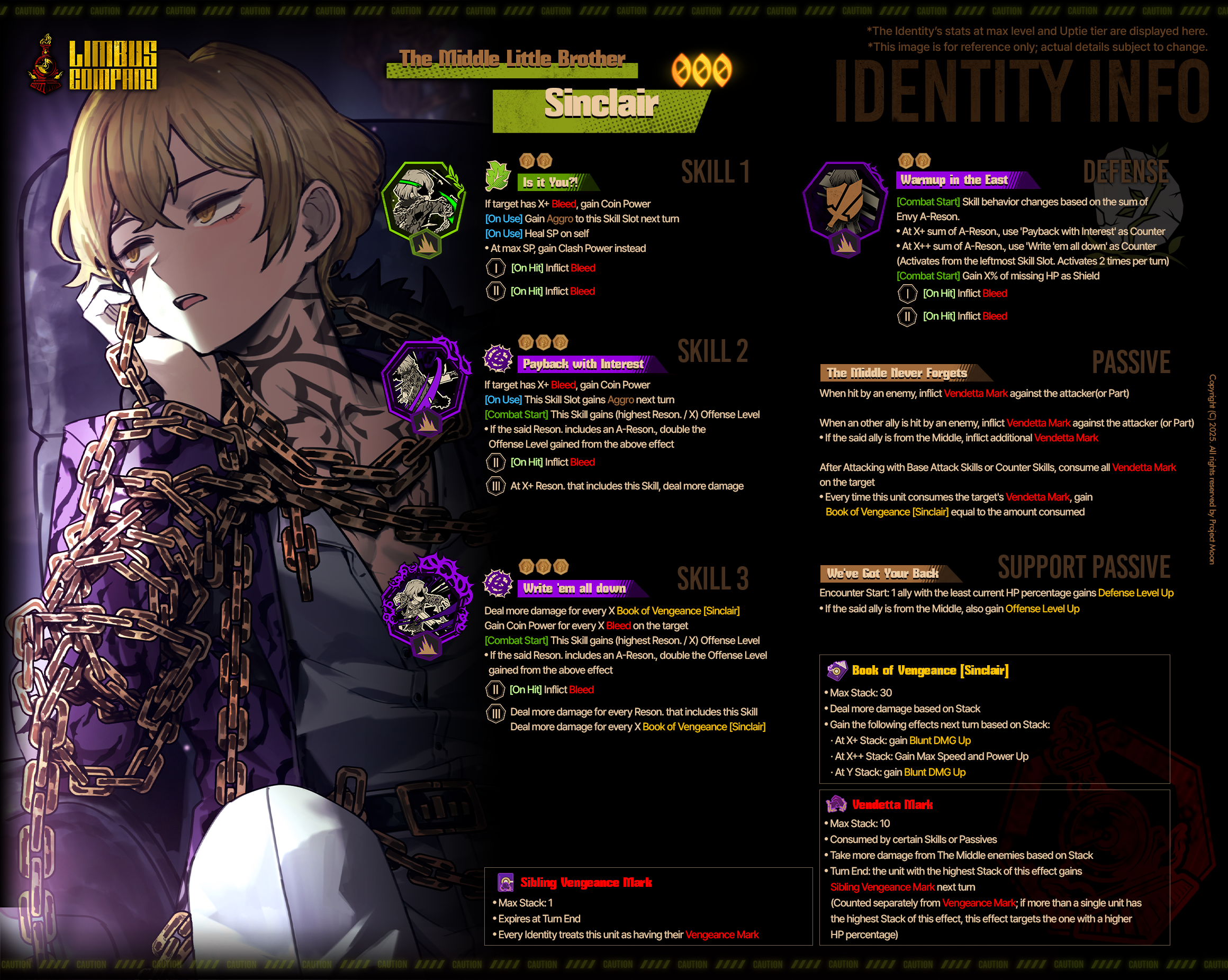
  1. An issue where The Middle Little Brother Sinclair's Skill 3 use did not load the Identity Portrait animation

  2. (EN Only) Fixed the wording discrepancy in The Middle Little Brother Sinclair's Skill 2

  • Before : This Skill Slot gains X Aggro next turn
  • After : Gain +X Aggro to this Skill Slot next turn

The changes that were missing from the Scheduled Update Notice are items that have already been applied via today's Scheduled Update.

Issues that occurred after the Scheduled Update will be fixed via a hotfix deployed after 17:00 (KST).
Hotfixes are applied without a separate client update; restart the game to apply the hotfix. However, please note that additional in-game downloads may occur.
We sincerely apologize for the inconvenience.

20


Announcement on Steam.


Hello,
This is Project Moon.

We have identified and fixed the following issue in combat Encounters.

[Issue]

  • An issue where, in Focused Encounters, enemies who gain new phases or spawn anew load in with detailed info for their Skills or Passives in locked states

[Cause]

  • A side effect of trying to fix the issue where, if the player returns to the stage info menu after finishing just the first wave, detailed info for enemies appearing in second wave and onward loads in unlocked

[Solution]

  • Identified the issue and corrected the in-game logic to prevent it from occurring again

[Deployment ETA]

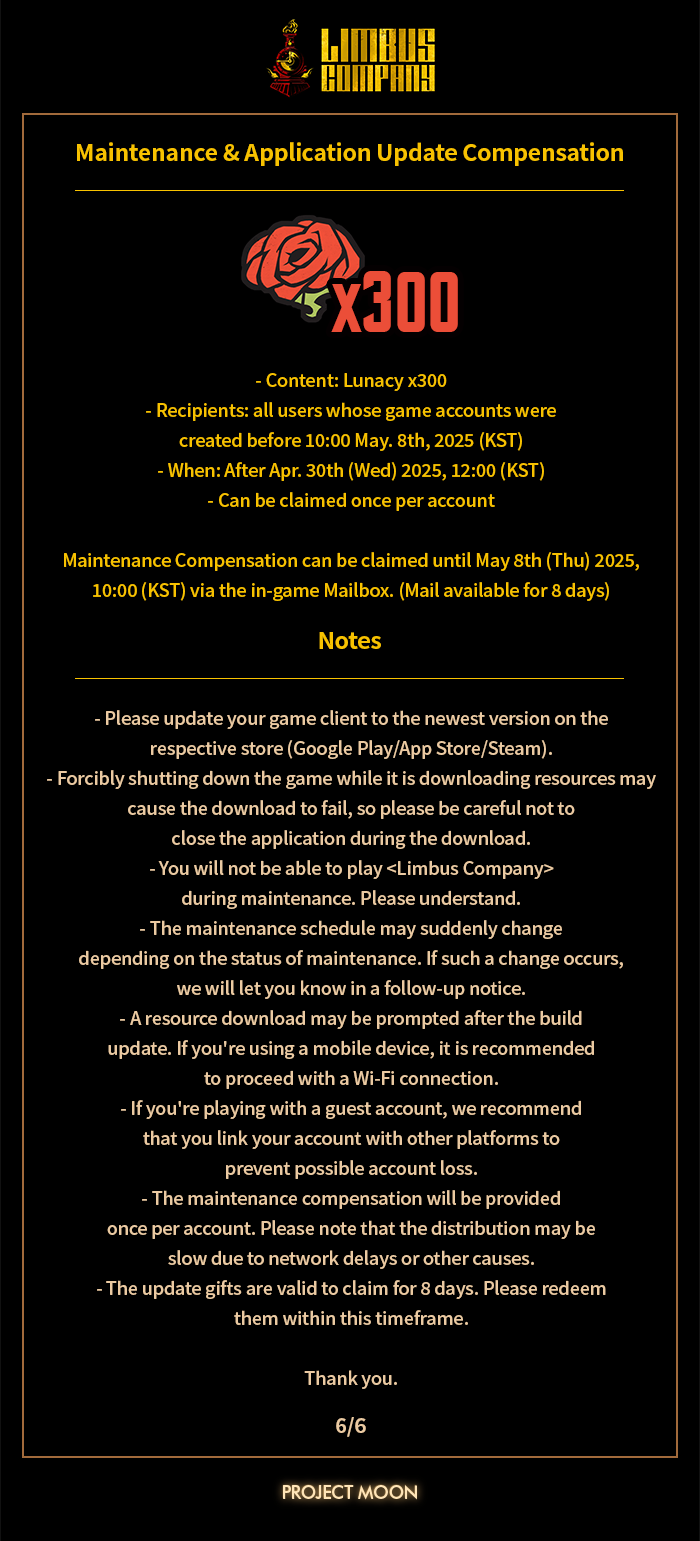
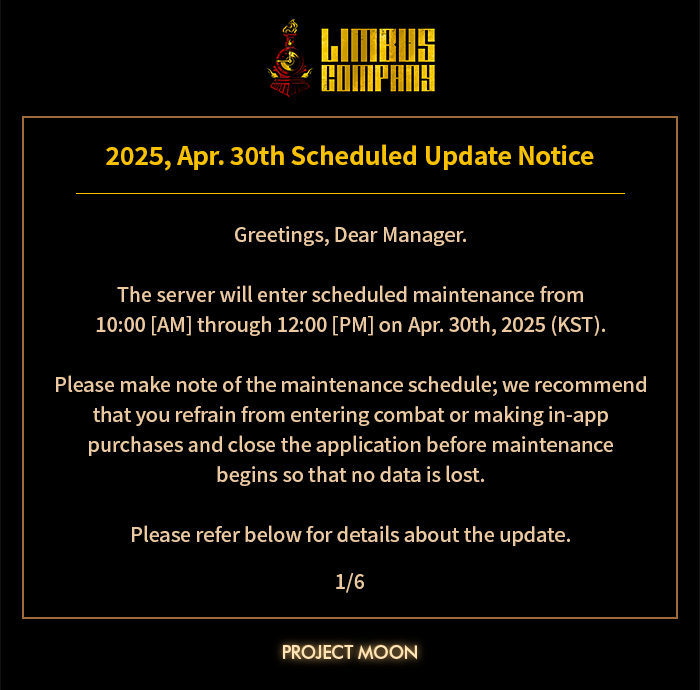
  • After Apr. 10th (THU) Scheduled Maintenance

We sincerely apologize for the inconvenience.

21
22
3
submitted 9 months ago* (last edited 9 months ago) by LeGaosaure@lemmy.blahaj.zone to c/projectmoon@lemmy.ml
23


Announcement on Steam.


Hello, this is Project Moon.

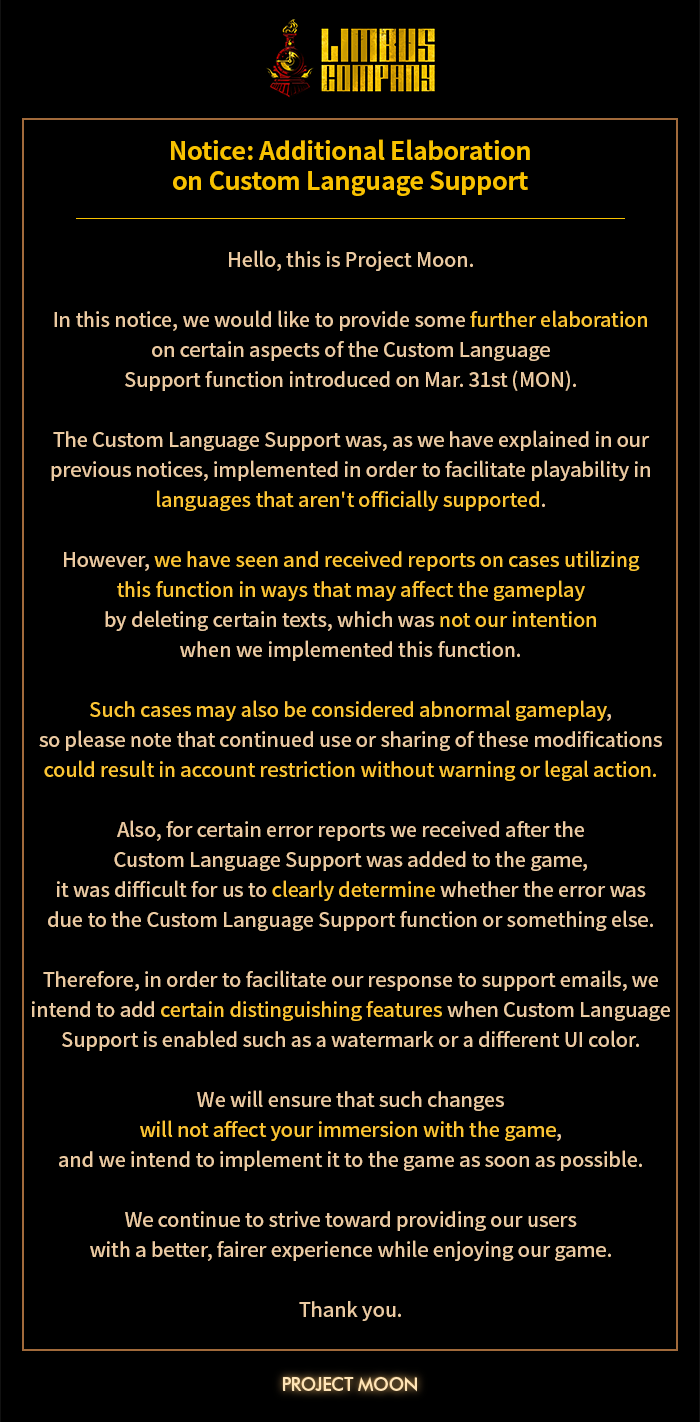
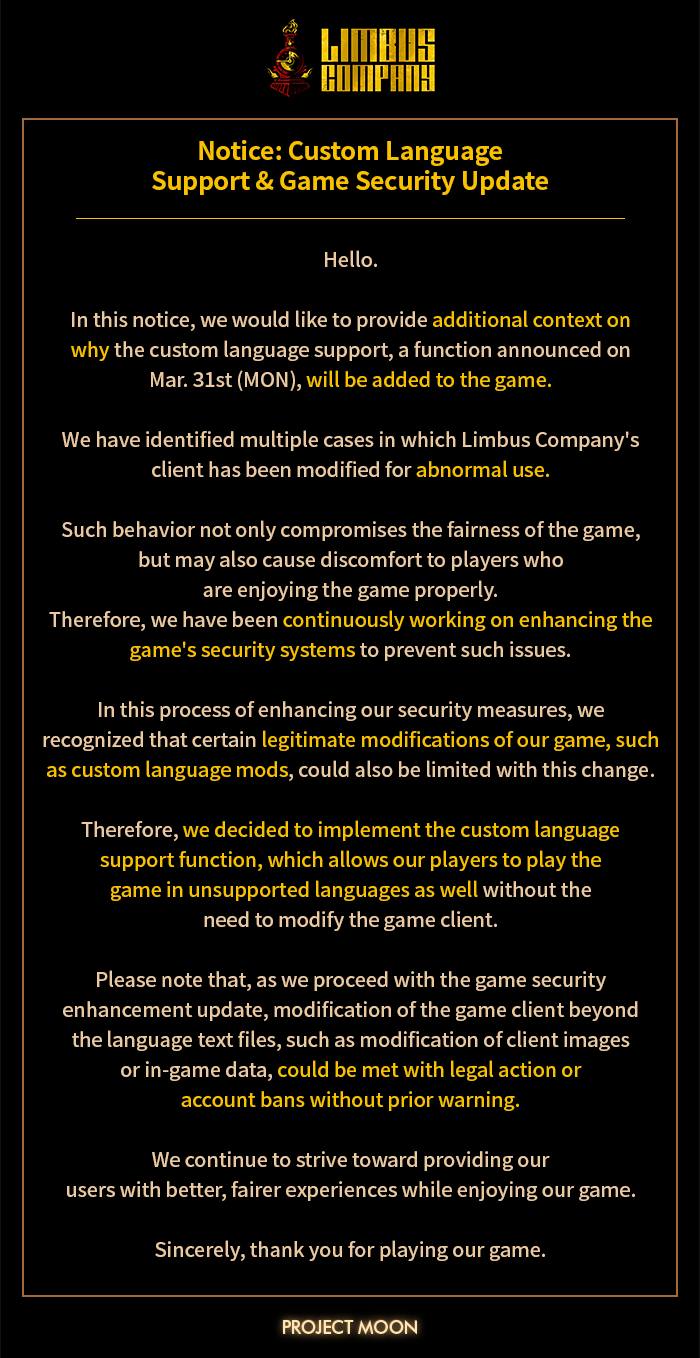
Currently, Limbus Company supports a total of three languages: Korean, English, and Japanese. Unfortunately, as this is a live service game, it is difficult for us to add official support for additional languages while simultaneously working on constant updates.

Therefore, in order to ensure that players can access the game with better convenience, we intend to add support for custom unofficial translation mods.

Please view the steps below for a guide on how to install custom translation mods; we intend to apply gradual improvements to this function as well. If future updates or improvements for this function are deployed, we will inform you via an additional update.

We wish to express our most sincere gratitude to everyone playing Limbus Company, and we will try our best so that you can have a better experience enjoying our game.

Thank you.

  1. Install the newest version of Limbus Company and find the installation folder. (starting from Version 1.73.0)

  1. Find "LimbusCompany_Data/Assets/Resources_moved/Localize/" folder.

  1. Verify the original folders and files(kr, en, jp), copy the aforementioned files, and apply your translations.

  1. Find the "LimbusCompany_Data/Lang" directory. If the 'Lang' folder doesn't exist, make one.

  1. Make a new folder and designate a name.

  1. Add your translated files to the folder.
  • The structure of the folder must be identical to the original files.
  • Please remove the prefixes in the json file names.
  • (X) KR_MainUIText.json, EN_MainUIText.json, JP_MainUIText.json
  • (O) MainUIText.json

  1. Within the same folder, create a "Font" folder, and add your prepared fold files into the said folder.

  1. Find the "Lang" folder again, and adjust the contents of 'config.json'. If the file does not exist, make one and fill the contents as seen in this screenshot.
  • This file looks for the folder with its name written in the file and runs the game with your language of choice.
  • The contents of the config file must match the top folder name of your translation files.

  1. Run the game and verify that the translations have been applied properly.
  • e.g.) Try changing the text in the button at the bottom left corner of the screen.
  • Original: Clear all caches
  • Changed: Custom Translation

Note) If you have applied 2 or more languages, use the "Select Custom Language" button to choose the language you would like to play the game with.

24
25
view more: next ›