Does screen-sharing with audio work yet?
Scio
joined 2 years ago
I've been running it with Genshin Impact for a month now. 90fps at very pretty graphical settings, and still barely warm to the touch. Given how I have to play with 200ms+ latency anyway it's just free real-estate!
Yet to get it working with Control with HDR though.
Much like people who craft their games with human hands aren't really serious about AI generated art.
And yet, even on stable everything, Decky did break with the update thanks to TabMaster regressions :(
And thanks to the Next Fests, I crave this remote install queueing feature more and more lately!
It does supports WoL. Well, the OLED one supports WoL over WiFi, the LCD doesn't. But it doesn't support queuing an install on a currently offline device.
Even disregarding the tens of minutes it takes for the app to realize that my Deck has come online after I wake it up for me to be able to install a game on it from my phone, i can't really WoL it when I'm not home.
Well obviously.
Even still, it is perfectly feasible for Valve to implement an install queue that we can add to from a phone that starts downloading only when a given Deck turns on. Maybe even put a device's required or scheduled game updates on that interface too for us to manage and for the Deck to pull on wake.
Secondly, the Deck's might not actually have any hardware to turn itself on on a schedule like phones do, but at least if it had a remote download queue, we could automate sending our own Decks WoL packets every now and then and have them automatically install new games.
Plus, the Decks can turn themselves on from S4 when plugging in at least, so maybe even with the current hardware there are things Valve can do here that I can't imagine.
Having a power-saving download mode is only the first step. There's still a lot of useful features we've long been requesting left to do that can be achieved, and I'm hopeful more of them will!
Migrated two very tech un-savvy Windows users onto Aurora specifically early in the year. Everything's going so smooth!
One of them even setup how to stream themselves painting through OBS all on their own having never tried on Windows!
Hopefully this leads to being able to queue game installs remotely without the Deck having to be on. And if it can wake up when charging to do the same, even better!
I only use the 256GB LCD Steam Deck as my desktop that I do all my work on (graphic design, web development, illustration, Blendering, etc.)
I have it permanently hooked up to a stamd/dock connected to my monitor external storage and graphic tablet, with the keyboard and mouse being wireless. I get to put videos or reference boards on the built-in display that works as a cute little secondary monitor too.
I'm still on SteamOS stable. Almost all my apps are Flatpak, but I also have Nixpkgs set up for anything else. Also Distrobox, I suppose, but since installing Nixpkgs I've not had to use Distrobox at all. Occasionally I miss having a newer kernel. But not enough to want to install any other distro.
It's been a blessed couple of years. No complaints!
Fell asleep waiting for the update yesterday. Decided to stretch the weekend early today.
~🌒DEATH TO CHRONOS🌘~
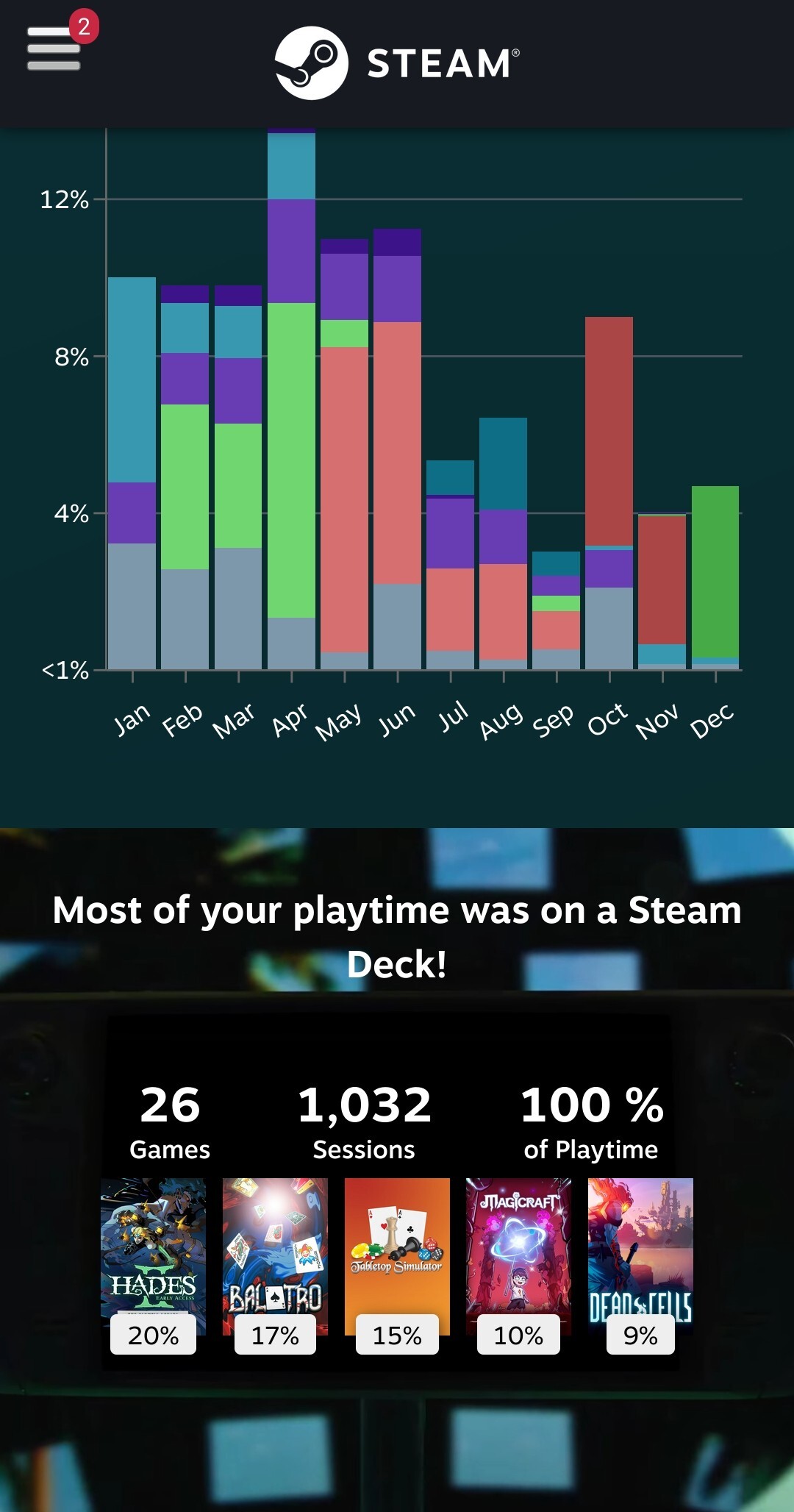
Does this count as flexing is the Deck is my only PC?!
view more: next ›
Valvepls: if I choose to allow background downloads all the time in the settings stop asking me if I want to allow background downloads every time I put the Deck to sleep! I do! I said yes! In the settings!!