0
Behavior rules:
Posting rules:
NSFW: NSFW content is permitted but it must be tagged and have content warnings. Anything that doesn't adhere to this will be removed. Content warnings should be added like: [penis], [explicit description of sex]. Non-sexualized breasts of any gender are not considered inappropriate and therefore do not need to be blurred/tagged.
If you have any questions, feel free to contact us on our matrix channel or email.
Other 196's:
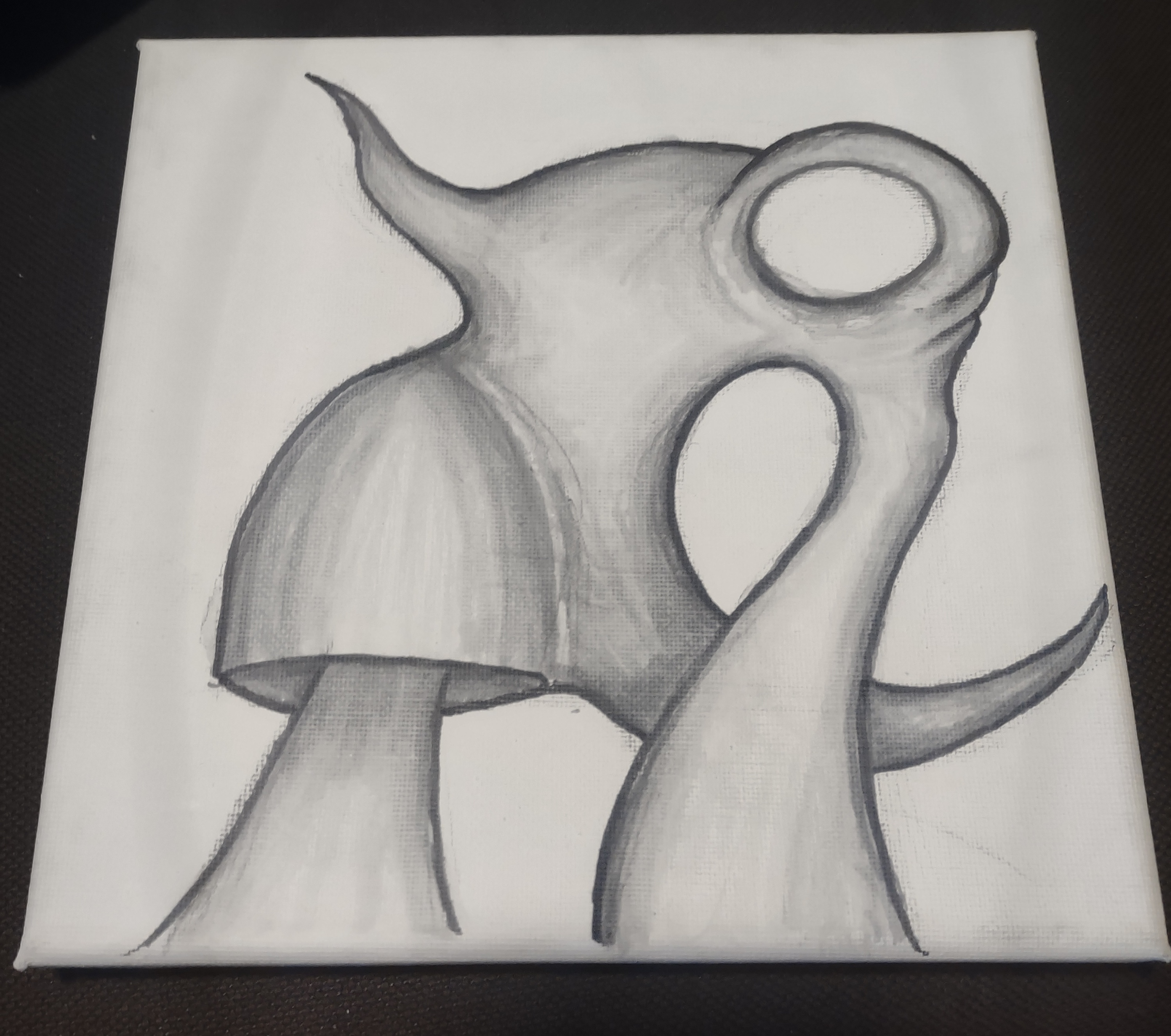
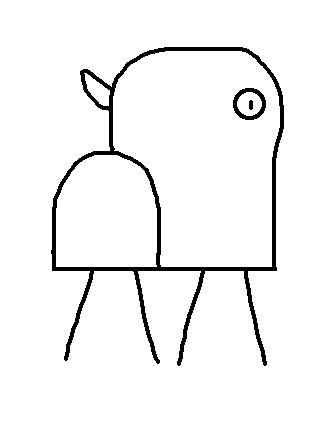
I created this on my phone in MATLAB. You can probably do this in Octave with similar or the same code.
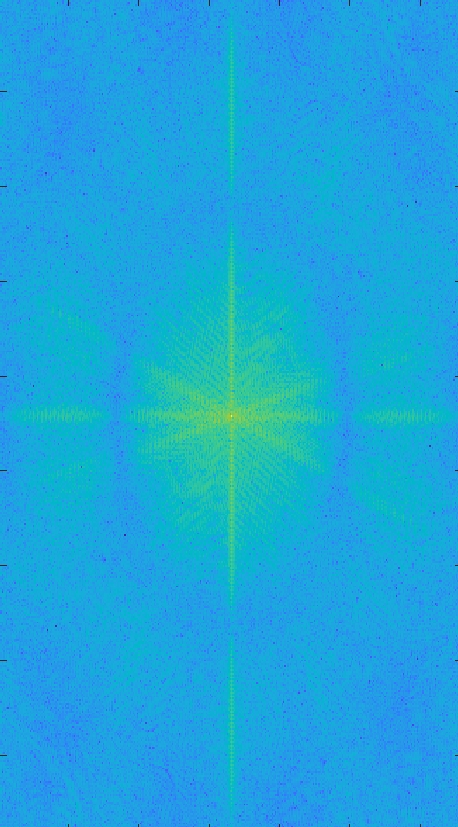
First, I downloaded the image from Lemmy, then uploaded it into my MATLAB app. I renamed the image to image.jpg, then ran the following code:
image=imread("image.jpg") imagesc(log10(abs( fftshift(fft2(image)) )))
fft2 applies a 2D Fast Fourier transform to the image, which creates a complex (as in complex numbers) image. abs takes the magnitude of the complex image elementwise. log10 scales the result for display.
Then I downloaded the image from the MATLAB app, went into the Photos app and (badly) cropped out the white border.
Despite how dramatically different it looks, it actually contains the same [1] information as the original image. Said differently, you can actually go back to the original with the inverse functions, specifically by undoing the logarithm and applying the inverse FFT.
[1] Almost. (1). There will be border problems potentially caused by me sloppily cropping some pixels out of the image. (2). It looks like MATLAB resized the image when rendering the figure. However, if I actually saved the matrix (raw image) rather than the figure, then it would be the correct size. (3) (Thank you to @itslilith@lemmy.blahaj.zone for pointing this out.) You need the phase information to reconstruct the original signal, which I (intentionally) threw out (to get a real image) when I took the absolute value but then completely forgot about it.
don't you lose information by taking the abs(), since to restore the full information you need both complex and imaginary parts of the fft? You could probably get away with encoding Re and Im in different color channels tho
Can guarantee OP didn’t expect this when he was making the post, damn
Hold on this is gonna take some time but I might just try this and post in a few weeks
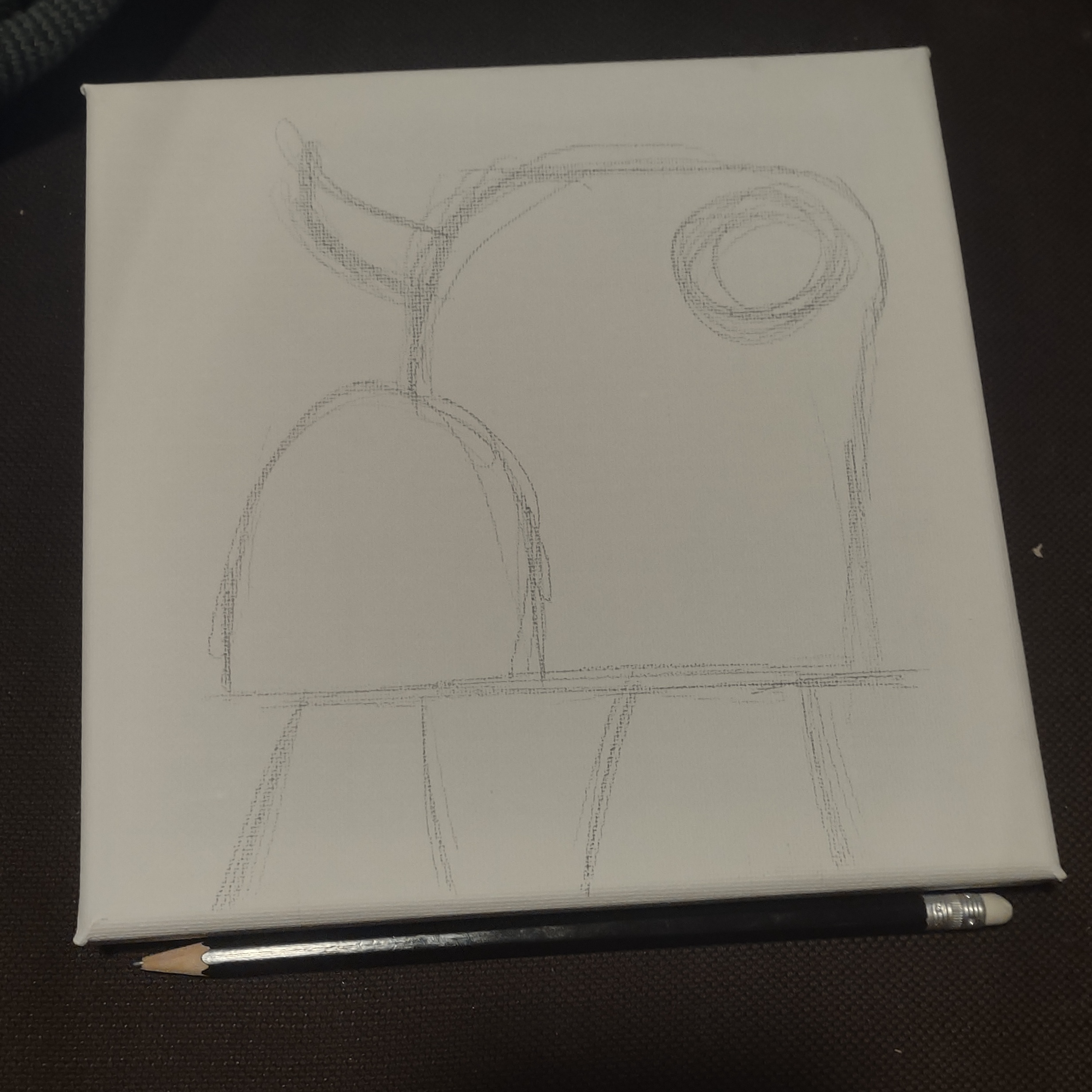
Now we wait and see what I come up with
I will watch your progress with the great interest
Okay hold on; I did it in a few hours, not weeks but it gets freaky fast:
Played around with the lines; erasing a few bits and rounding off some corners. 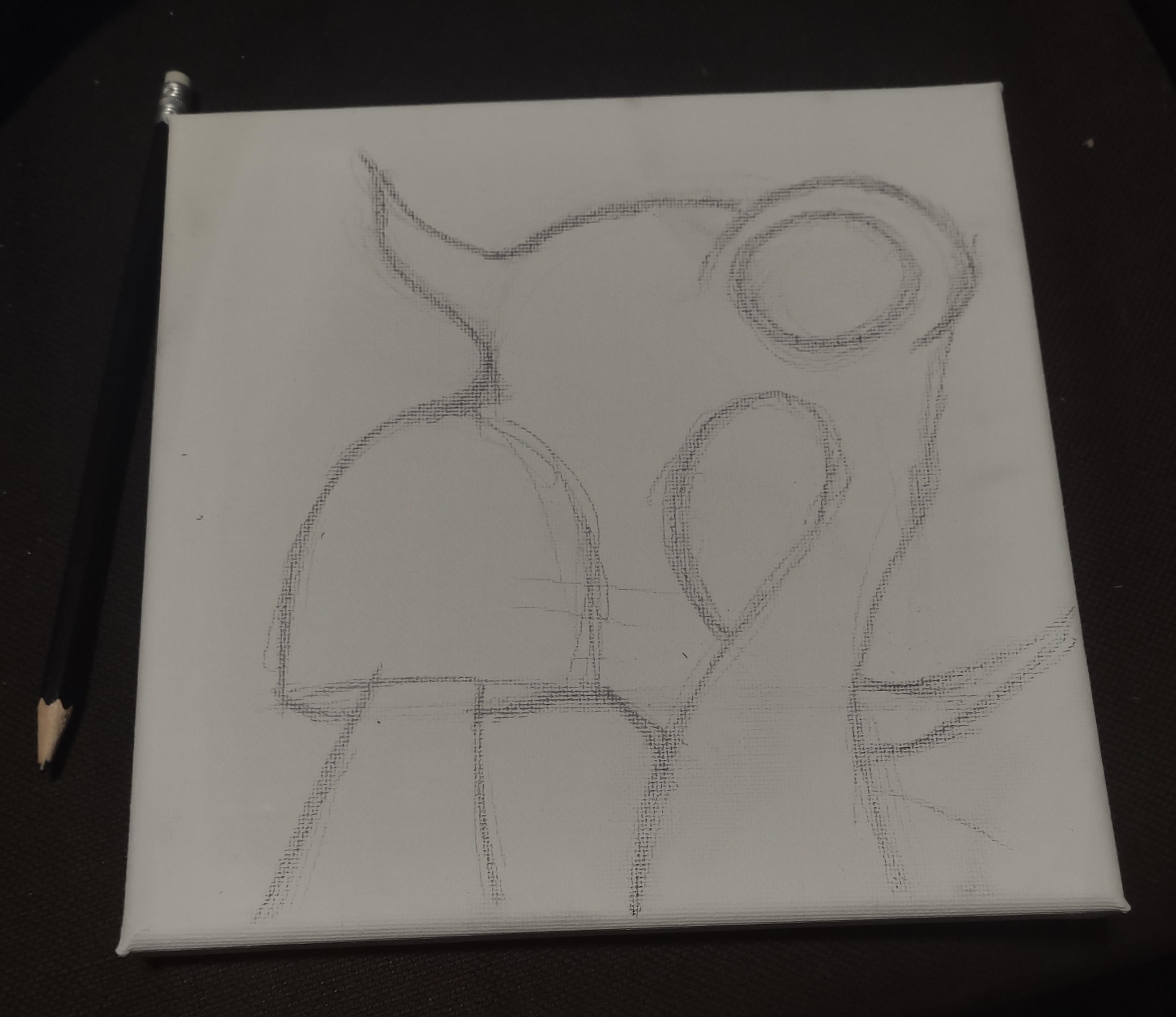
Did the outlines in marker 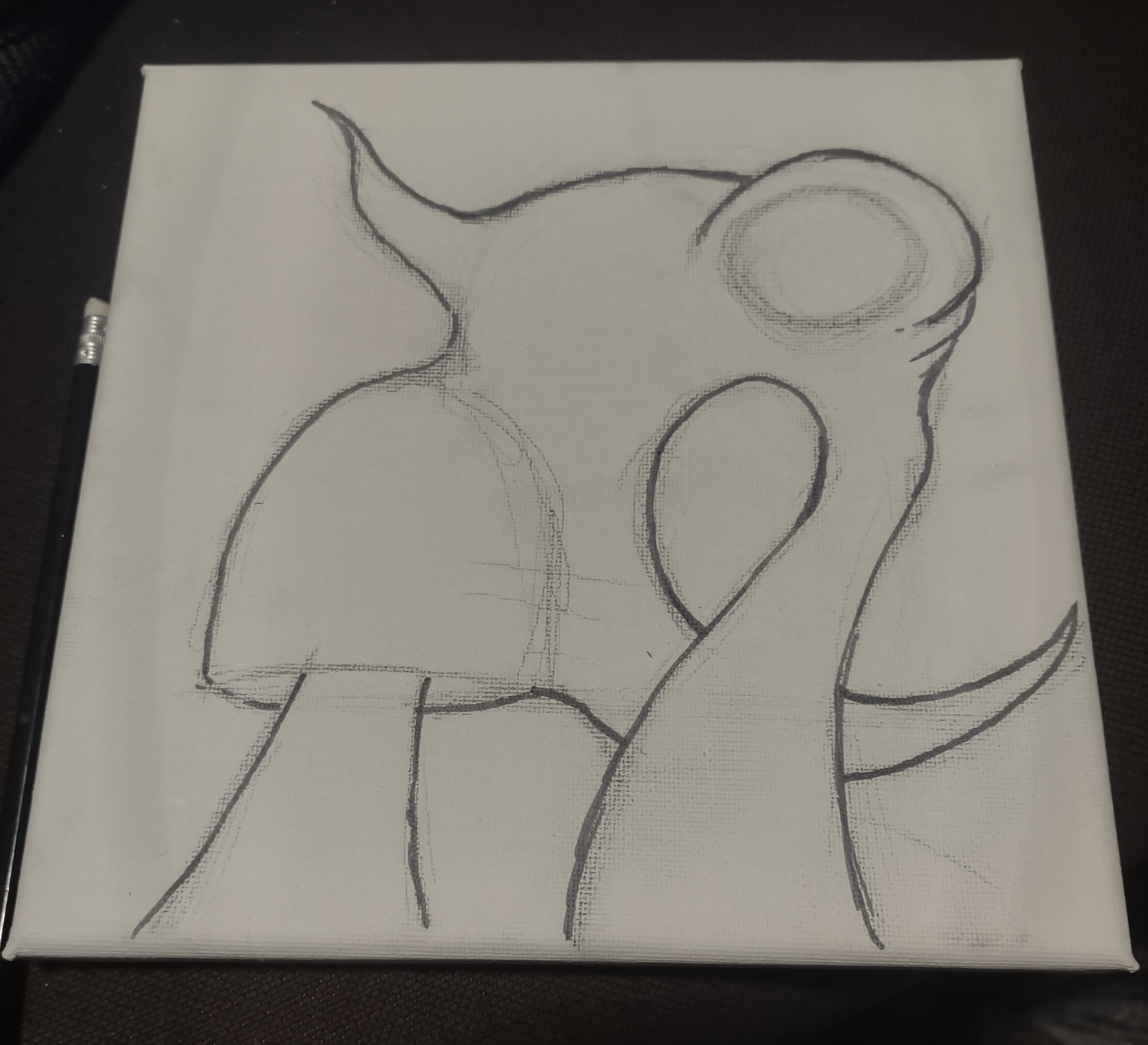
First bit of shading 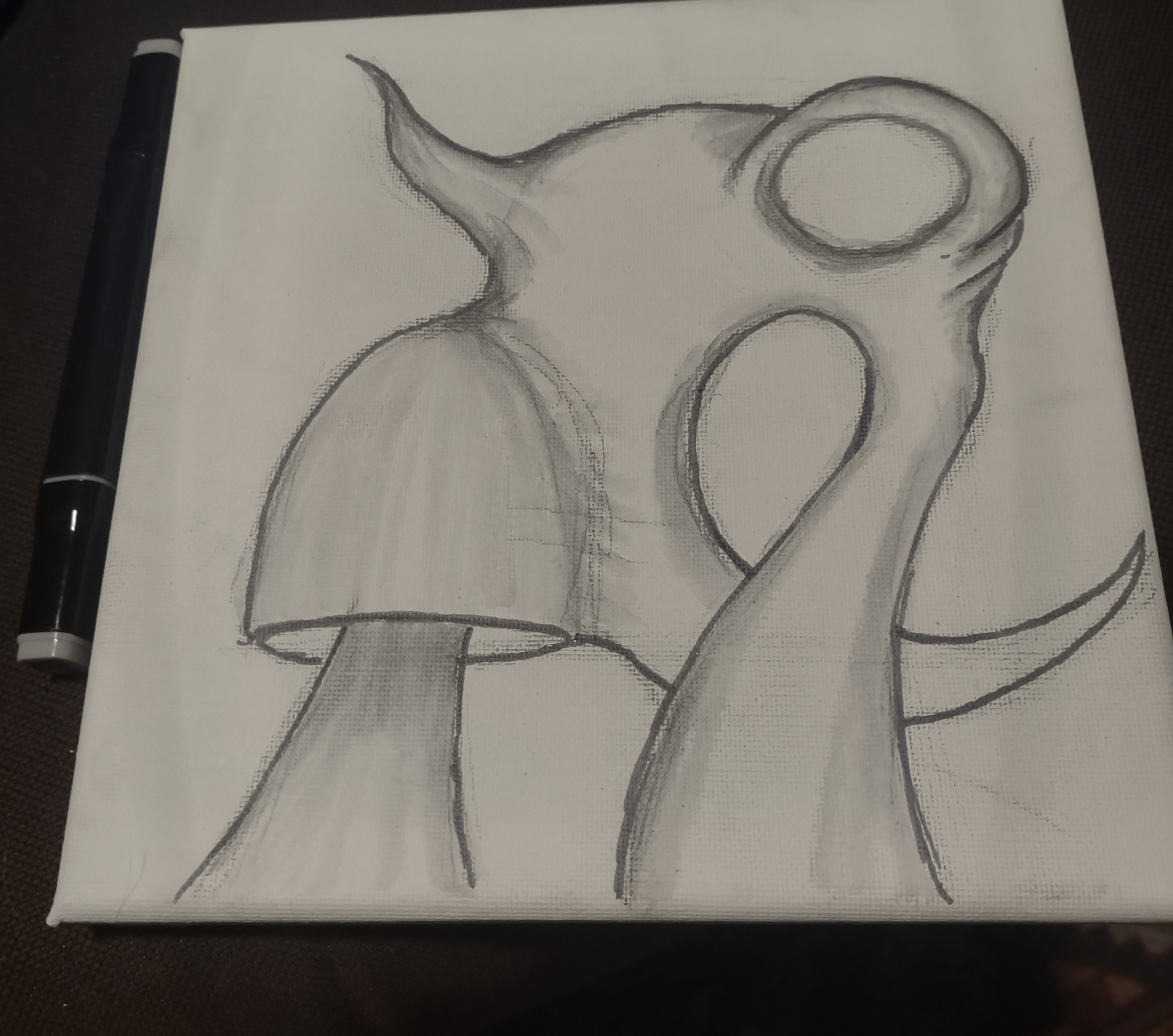
Left it overnight. Came back today and started building up the shades and lines 
Bit more 
Bit more and now I think I'm done.