You need something like DamnSmallLinux, not Debian. Debian users about 800 MB of RAM with XFce, on a clean boot. It requires a minimum of 2 GB with a modern browser (one tab, 4+ GB with more tabs). DamnSmallLinux uses about 128 MB RAM on a clean boot, and with the Netfront browser about half a gig. Definitely better for such a laptop than any modern distro.
this post was submitted on 17 Jul 2024
2 points (100.0% liked)
Linux
53618 readers
57 users here now
From Wikipedia, the free encyclopedia
Linux is a family of open source Unix-like operating systems based on the Linux kernel, an operating system kernel first released on September 17, 1991 by Linus Torvalds. Linux is typically packaged in a Linux distribution (or distro for short).
Distributions include the Linux kernel and supporting system software and libraries, many of which are provided by the GNU Project. Many Linux distributions use the word "Linux" in their name, but the Free Software Foundation uses the name GNU/Linux to emphasize the importance of GNU software, causing some controversy.
Rules
- Posts must be relevant to operating systems running the Linux kernel. GNU/Linux or otherwise.
- No misinformation
- No NSFW content
- No hate speech, bigotry, etc
Related Communities
Community icon by Alpár-Etele Méder, licensed under CC BY 3.0
founded 6 years ago
MODERATORS
Antix linux would also work great, and DSL is based on it.
Maybe try Openbox instead of XFCE. Can't promise it'll add much memory but with 1gb RAM I guess every bit counts?
Edit: just had a quick look around, and it looks like your machine can be upgraded to a whopping 2gb RAM... It's still not great, but it is a 100% increase in memory.
Edit 2: I'm not actually recommending you buy RAM from memorystock.com, it just turned up at the top of my search results. The page should give you the type and version you'll need to look for, though.
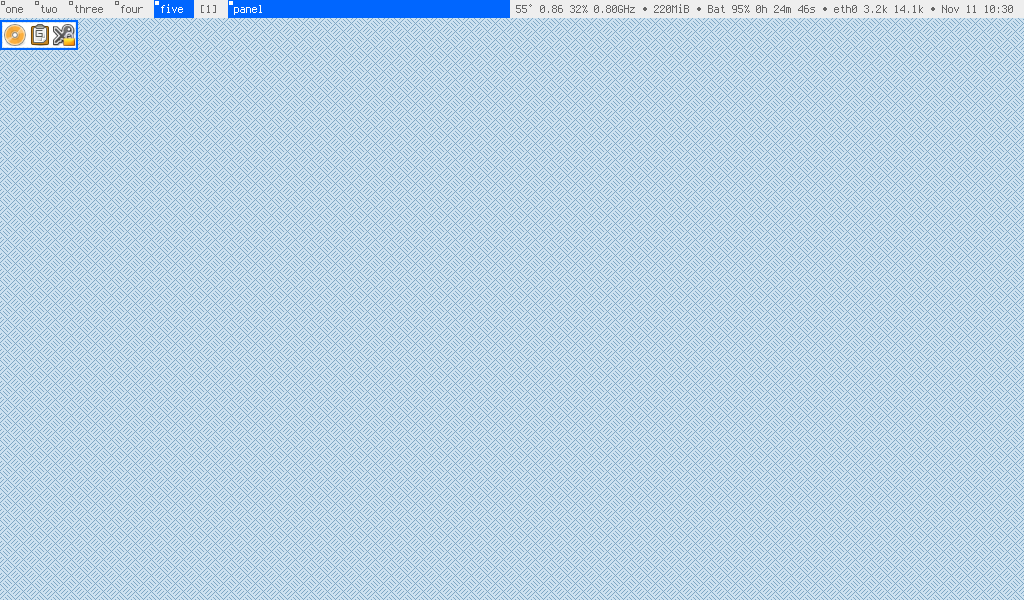
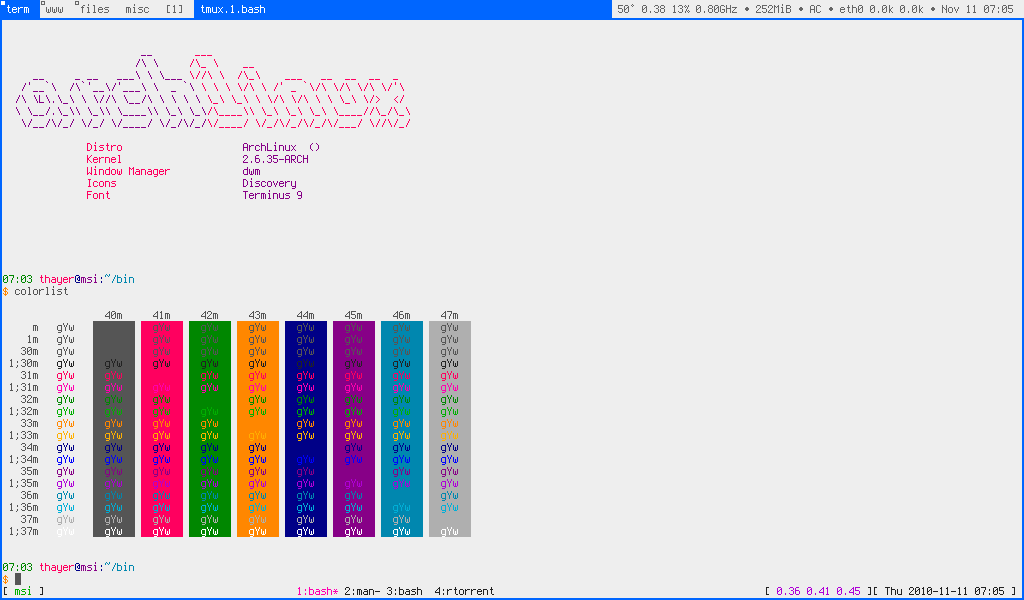
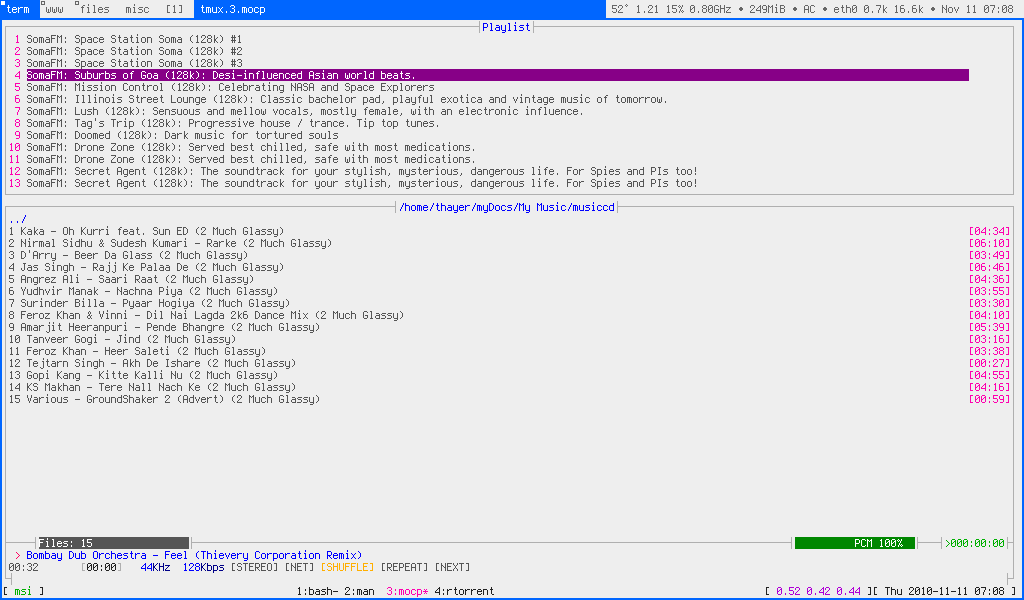
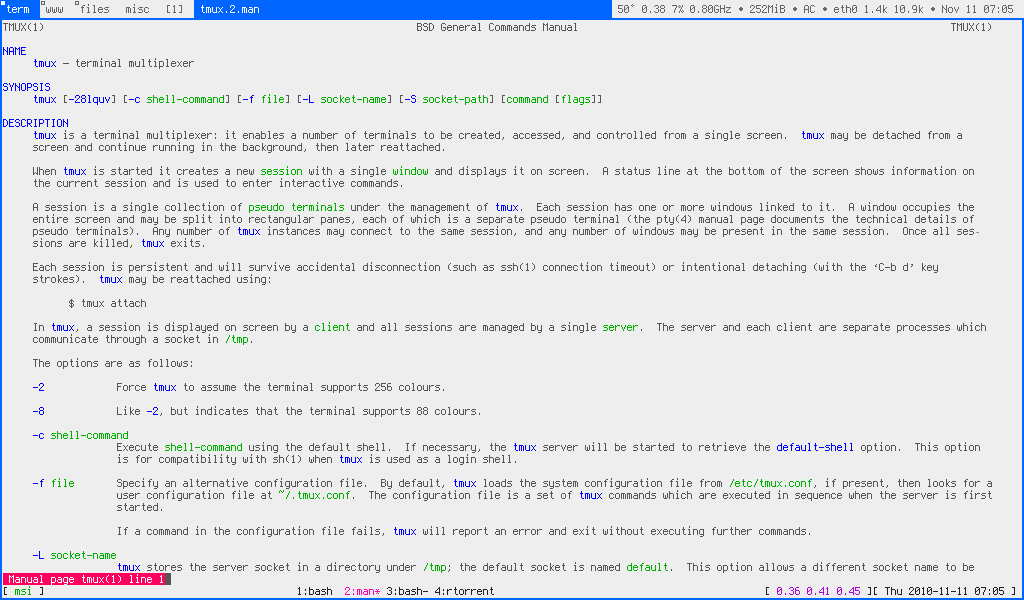
If that's one of those old 10" netbooks, I had good experiences running dwm and xmonad on mine back in the day (had an Acer and later an MSI Wind U120(?)). Typically ran all my apps maximized, one per desktop. Firefox did okay, but this was around 2010-2012. Mostly stuck with terminal apps and it was more than snappy enough.
Some screenshots from days past...
I have that exact machine in my electronics "graveyard".
Peppermint OS was my GO-TO for speed and driver support out of the box. You can also stick in a 2GB SODIMM of ram. It will only recognize 1.5GB but still 50% more ram.
Compile your own kernel for those atom processors and they work much better.
It’s not hard, there’s a text interface for it where you just pick what to do from a list.
I've never compiled my kernel so I'm not familiar with what is happening there, but why could that be faster? Is it only installing drivers for present devices, or what is happening?
I can’t remember off the top of my head because it’s been a long while, but there’s some weird option inside the configurator that accounts for one of the things the early atom line doesn’t have that the default kernel expects out of x86 or x64 processors.
Of course, any binary program that was compiled with the expectation of that capacity would also have weird hangs and slowness, but (like I said, a while ago) that didn’t tend to cause a 1.3ghz atom to be slower than a 700mhz pentium m.
Oh yeah, I completely forgot, that laptops real old, so go ahead and regrease the cpu.
I have two roughly 10 years old laptop that is completely usable, how do I go about regreasing the cpu (M14x r2 & A1502)?
Locate the service manuals or some kind of tear down. Confirm that the process will be within your capability. Order some thermal compound. Disassemble the laptop until you remove the heatsink from the cpu. Clean the old cpu and heatsink with isopropyl until it’s as clean as can possibly be. Apply new thermal compound. Reassemble laptop.
this might be the service manual for the alienware
A1502 could be a lot of laptops, use the emc number or serial to find out which one or just look for the MacBook Pro NN,n number in the about option under the Apple menu. It doesn’t matter which one you have, they’re all really easy to work on and well documented.