Most software in general has hard to detect issues after several weeks of uptime. Its something that's fundamentally hard to test and fix. Its a big reason why "did you turn it off and on again" is such universal advice.
this post was submitted on 13 Dec 2024
72 points (87.5% liked)
Firefox
19474 readers
9 users here now
A place to discuss the news and latest developments on the open-source browser Firefox
founded 6 years ago
MODERATORS
People really out here treating their web browser like it's a mainframe
load more comments
(1 replies)
I don't hold anything against you, OP, but... 30 tabs open for two weeks makes me feel yucky on the inside.
Lol I open them to look at later, and I also open lots songs on youtube to listen to and switch between songs rather than reopen the songs over and over I just keep it open.
You can bookmark webpages to come back to later and even organize them in trees by category. You can ceeate a playlist of songs from youtube and import it to a service with no ads like piped, then shuffle it. If you're willing to put up with 30+ open tabs these are much less time consuming than scrolling through the default way it situates tabs, AND there aren't 30 open tabs sucking your resources.
If you already knew all this, I'm almost sorry.
I'm almost sorry
Hahahahaha oh boy the comments here today are great!
(I'm one of those who never reboots, never closes Firefox).
load more comments
(2 replies)
Oh, the 20 tabs thing is perfectly reasonable. But I'm one of those crazy people who completely shuts down his computer every night, including closing my browser. Been using computers for too many years to trust a browser to not leak memory.
Hahajahajaha
I have like 90?
Sorry, eh. (Yea, I know I shouldn't, but I'm lazy)
load more comments
(3 replies)
I've had this for years, I just exit and restart.
You can see the worst offenders in firefox by using the hamburger menu then more tools and Task manager. You can sort by ram. YouTube likes to hold gigs of ram for some videos. Close the biggest offenders and you'll get back close to normal speed.
Ding ding ding, the only good reply in this thread.
The symptoms described by OP smell like good old memory exhaustion.
load more comments
(1 replies)
Yes it happens. As others have said: just restart.
What might not be as clear: when you restart, if it doesn't just come up and offer to restore your session, you can go to History and Restore Previous Session. This reopens all your tabs (actually, they won't fully reload until you view them).
Or just use bookmarks like a normal person
Bookmarks are for really important stuff. Open tabs are for stuff I want to be able to easily stumble back upon, but I won't be butthurt if I dont.
There's nothing wrong with having more than one way to categorize stuff.
Edit: and considering that session data is also written to disk, there really isn't much difference between bookmarks and open tabs anyway.
load more comments
(3 replies)
load more comments
(1 replies)
Why would you need your browser, let alone your PC on for weeks without any break
My laptop with a non-critical service: Uptime: 9 weeks, 5 hours, 34 minutes

load more comments
(6 replies)
FaaS: Firefox as a Service
Lol, cause we're all lazy gits.
Cobbler's kids have the worst shoes. I'm the cobbler, and reboot when things start acting up.
load more comments
(2 replies)
Under about:unloads, you will see a list of open tabs, sorted by resource usage. You can click-spam the "Unload" button until that list is empty, or until the most resource-intensive tabs are off the list.
This does not require any third-party dependencies, and the tab will still be present on top. The site will reload once the tab is selected again.
Close everything and start fresh
Your productivity shouldn't rely on keeping one piece of software running for long periods of time.
If it's related to the thread you posted then try Nightly?
That's only in Nightly right now, unfortunately; it won't make it out to Release until v134.
Also, can I ask why you'd leave your browser open for weeks? Just curious of the use case. The thread mentions having 5700-7000 open tabs, and I can't fathom why someone would do that. It's not like the websites disappear if you close the tab. Nothing to do with the problem though, you don't have to answer.
some people use tabs as bookmarks 🤷
Also, can I ask why you’d leave your browser open for weeks?
This just begs the question, Why do you not leave it open?
To conserve resources / power? Like when I'm done using an app, I close it. When I'm done reading a website or using online banking, I close it. I don't leave my email, games or music open after I'm doing using them either. I actually turn off / sleep my entire device when I'm done using it, but that's not what my curiosity is about.
load more comments
(1 replies)
I only have around 30 open and I don't turn off the laptop, after a while firefox becomes sluggish and I have to restart it.
Have you tested with specific websites? Could it be a tab has some have JavaScript running constantly that’s causing the issue?
I haven't tested it at my home laptops, but my work laptop all tabs become slow. I have to restart it every time.
load more comments
(2 replies)
https://addons.mozilla.org/firefox/addon/auto-tab-discard/
I've got more than 30 open tabs, though in practice I don't actually need ALL those tabs loaded. The extension unloads inactive tabs after a configurable time. You can also configure the extension so that pinned tabs are not unloaded, certain domains/URL patterns are not unloaded, etc.
Firefox can automatically discard tabs when available memory gets too short. You need to configure it to do that though and probably disable the 10min minimum open time too if you're very short on memory.
load more comments
(2 replies)
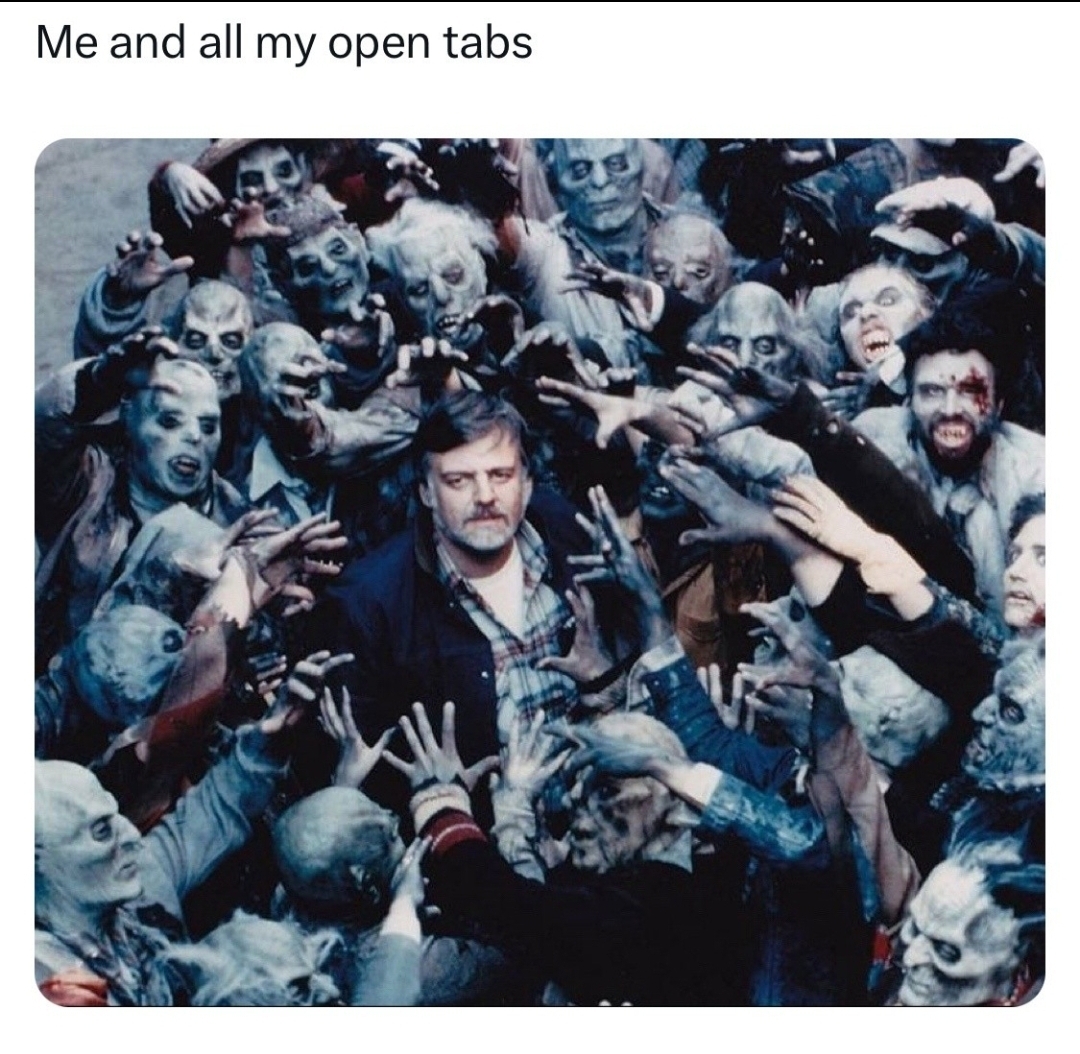
I had the same problem recently. Especially the youtube UI became very unresponsive and would take several seconds to respond. I have 96G ram...
I downloaded ESR instead. So far so good.
Only the part with youtube. Don't know if they are pulling some tricks on uBlock users, but about 10 tabs of youtube can get nasty, even with a somewhat recent workstation.
Try using a tab suspend extension, something like 'auto tab discard'. Firefox has one built-in, but it's not aggressive enough.
It's either you need more RAM or you must learn to use a tab group extension. Also, if it gets slow, just restart it.
Simple Tab Groups is a nice add-on.
My personal favourite is Sidebery. It has vertical tabs and easily navigatable via mouse wheel. You can even unload a tab. And has tons of customization options.
view more: next ›