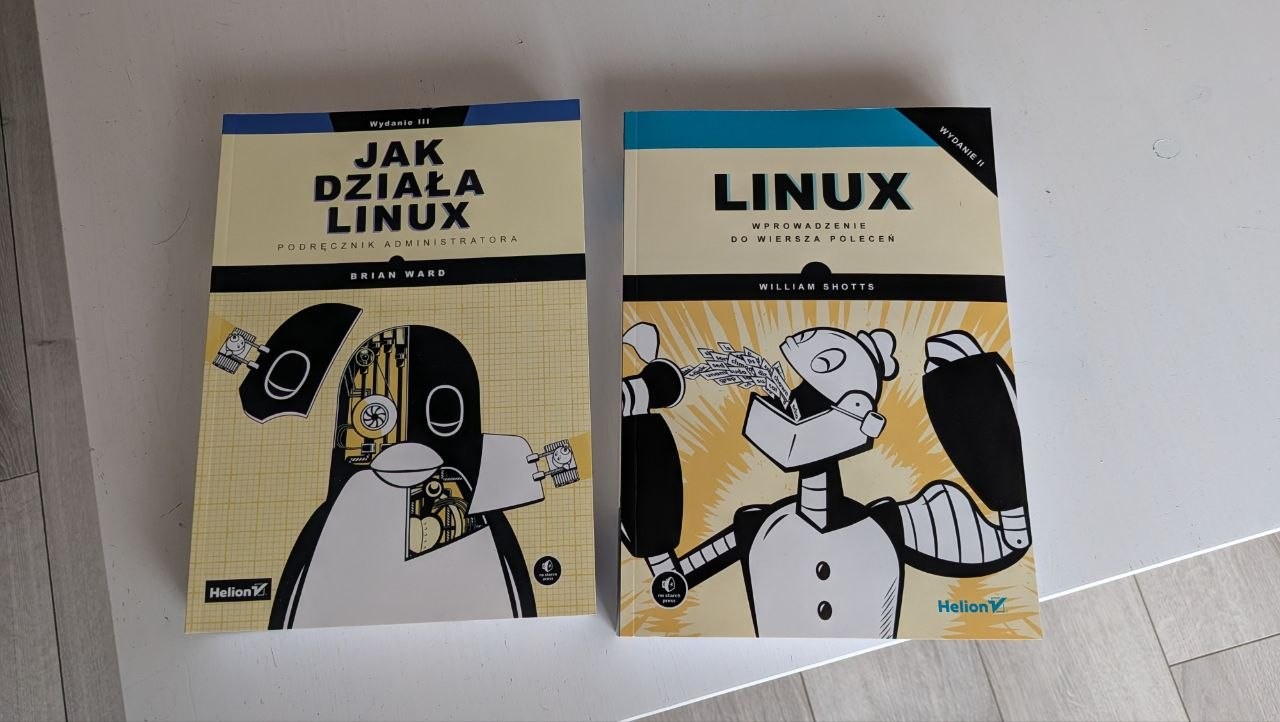
How linux works is a great book! Halfway through it right now. I set up immich a while back and as far as I can tell, its almost identical to google photos, and unless you have like a terabyte of photos doesnt need a lot of proccesing power (it will take a while for its first scan, but after that it uses barely anything)
linux4noobs
linux4noobs
Noob Friendly, Expert Enabling
Whether you're a seasoned pro or the noobiest of noobs, you've found the right place for Linux support and information. With a dedication to supporting free and open source software, this community aims to ensure Linux fits your needs and works for you. From troubleshooting to tutorials, practical tips, news and more, all aspects of Linux are warmly welcomed. Join a community of like-minded enthusiasts and professionals driving Linux's ongoing evolution.
Seeking Support?
- Mention your Linux distro and relevant system details.
- Describe what you've tried so far.
- Share your solution even if you found it yourself.
- Do not delete your post. This allows other people to see possible solutions if they have a similar problem.
- Properly format any scripts, code, logs, or error messages.
- Be mindful to omit any sensitive information such as usernames, passwords, IP addresses, etc.
Community Rules
- Keep discussions respectful and amiable. This community is a space where individuals may freely inquire, exchange thoughts, express viewpoints, and extend help without encountering belittlement. We were all a noob at one point. Differing opinions and ideas is a normal part of discourse, but it must remain civil. Offenders will be warned and/or removed.
- Posts must be Linux oriented
- Spam or affiliate links will not be tolerated.
I'll vouch for most books out of No Starch Press.
I'm not sure how difficult OpenSuse rollbacks are.
I know setting up Snapper to snapshot takes a few extra steps/maintance.
I can say: Aurora, Project Bluefin and Bazzite are all based on Atomic Fedora.
I run more bleeding edge with Bazzite-Testing, Fedora Atomic OS-Tree update and rollback system is really nifty for if you find yourself being weary of "updates" like on OpenSuse.
I've only ever had to rebase/rollback/pin certain images for troubleshooting situations once in ~3 years of use. (dam Qualcomm/Antheros Wi-Fi 7 drivers).
And for the most part is just set and forget. I don't even bother manually updating things anymore. Chromebook-easy.
I know Jorge has a LTS of Bluefin.
And also an Alpha bootc image of GnomeOS.
I'm not sure how difficult OpenSuse rollbacks are.
They are actually very easy. Check the list of snapshots and note the one from before you screwed up, reboot, select the snapshot from which you want to launch the system, test, if it's OK run sudo snapper rollback and reboot. I use LUKS / TPM with auto-unlock, so I need to reenroll the key
I know setting up Snapper to snapshot takes a few extra steps/maintance.
In openSUSE it's set up out of the box, that was one of the reasons behind my choice of this distro.
Debian
Or Devuan or AntiX.
:)
I also have a pretty beefy old PC at home, but it’s currently damaged (I think either the motherboard or the PSU is dead, I didn’t diagnose yet).
Same
Though mine's been dormant for so long, it wont be so beefy in a couple years.
[Edit, PS:
Week 1 was a good read too.
&
How long before you're trying tiling window managers?
]
How long before you're trying tiling window managers?
I never felt the appeal. My understanding is that all windows must be on the screen all the time (but maybe some window managers support workspaces?) and I don't like that. I like to have my web browser windows big, same as my IDE. I have 34'' 1440p monitor and it's too small for me to fit all the windows :)
Tiling and almost all have workspaces as a big feature, also I recently switched to niri, as I don't like vaxry for obv reasons, and it seems to have all the benefits of a tiling wm, but you have infinite space as it scrolls to the right infinitely
In most tiling window managers I have both tabbing and fullscreen. Which in my use, tends be fullscreen most of the time. Switching workspaces with a keybind's instant, contrast to the faff of alt-tabbing or moving windows around with the mouse. It's just one more thing to get out of the way of brain ideas coming to fruition. ;)
Can always have windows floating/stacked in most tiling window managers too.