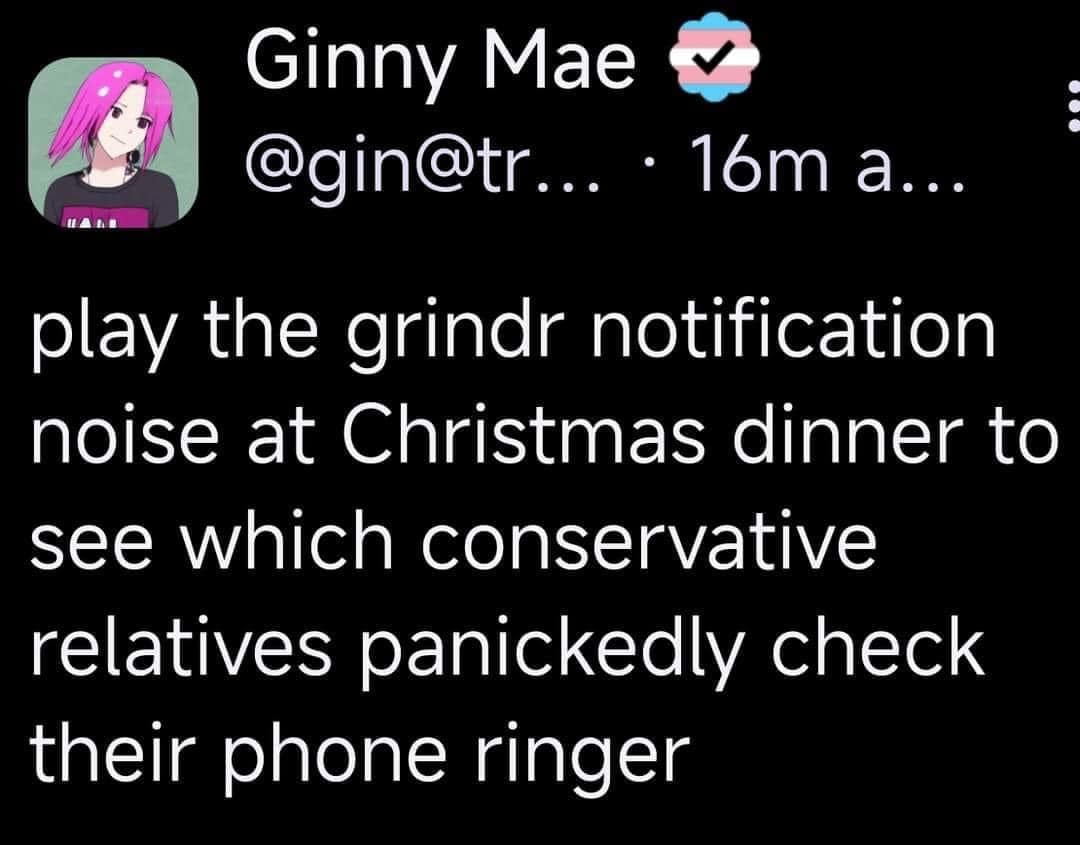
this post was submitted on 07 Dec 2024
1193 points (99.2% liked)
196
19331 readers
405 users here now
Be sure to follow the rule before you head out.
Rule: You must post before you leave.
Other rules
Behavior rules:
- No bigotry (transphobia, racism, etc…)
- No genocide denial
- No support for authoritarian behaviour (incl. Tankies)
- No namecalling
- Accounts from lemmygrad.ml, threads.net, or hexbear.net are held to higher standards
- Other things seen as cleary bad
Posting rules:
- No AI generated content (DALL-E etc…)
- No advertisements
- No gore / violence
- Mutual aid posts are not allowed
NSFW: NSFW content is permitted but it must be tagged and have content warnings. Anything that doesn't adhere to this will be removed. Content warnings should be added like: [penis], [explicit description of sex]. Non-sexualized breasts of any gender are not considered inappropriate and therefore do not need to be blurred/tagged.
If you have any questions, feel free to contact us on our matrix channel or email.
Other 196's:
founded 2 years ago
MODERATORS
you are viewing a single comment's thread
view the rest of the comments
view the rest of the comments
Yeah I don't know any apps that have custom notifications out of the box these days, apart from Messenger. It's too convenient just to use the operating system's API and default to the user's default sound.
I don't know if there's some way to override/customise the notification sounds on Android on per-app basis. At one point in history I wanted Twitter to go [random bird noises] and Reddit to go "Le." but since I don't use either of them anymore I really didn't investigate this further.
In WhatsApp you can set custom notification sounds, I believe it even supports notification sounds on a per-contact basis. So safe to say you can do it as an app developer.
I used to use custom sounds I downloaded for a few people and it was useful, but it's clunky and time-consuming to set up for even a few contacts. I had to get the sounds on a PC because all the sound apps on the store feel like malware and are riddled with ads.
I think there is an option but it might be dependent on which company makes your phone.
It's actually really easy for a developer and for a user. Apps can provide a notification sound for themselves, but the Android API automatically creates a user interface inside of the notifications settings that let a user set a sound of their choice on a per-notification-channel (for example, Discord has separate channels for "Incoming calls", "Direct messages", "Friend requests", and a heap more) basis.
Signal does, that dee-deep sound it makes.
When I installed it used the default. I'm on GrapheneOS, how about you?
On my Samsung Android phone it's configurable but I think when I installed the app aeons ago it used their distinctive ding. On desktop Linux incoming messages throw standard push notifications.
I'm wondering whether it automatically copied using the default notification from my old phone then. I'm pretty sure I didn't change the Signal Notification sounds on my current phone.
on my phone (GrapheneOS / Android 14) u can accomplish this with:
i would imagine most android builds, which are not very customized (such as samsung/oppo), would handle this similarly