this post was submitted on 30 May 2026
851 points (98.7% liked)
memes
21400 readers
2782 users here now
Community rules
1. Be civil
No trolling, bigotry or other insulting / annoying behaviour
2. No politics
This is non-politics community. For political memes please go to !politicalmemes@lemmy.world
3. No recent reposts
Check for reposts when posting a meme, you can only repost after 1 month
4. No bots
No bots without the express approval of the mods or the admins
5. No Spam/Ads/AI Slop
No advertisements or spam. This is an instance rule and the only way to live. We also consider AI slop to be spam in this community and is subject to removal.
A collection of some classic Lemmy memes for your enjoyment
Sister communities
- !tenforward@lemmy.world : Star Trek memes, chat and shitposts
- !lemmyshitpost@lemmy.world : Lemmy Shitposts, anything and everything goes.
- !linuxmemes@lemmy.world : Linux themed memes
- !comicstrips@lemmy.world : for those who love comic stories.
founded 3 years ago
MODERATORS
you are viewing a single comment's thread
view the rest of the comments
view the rest of the comments
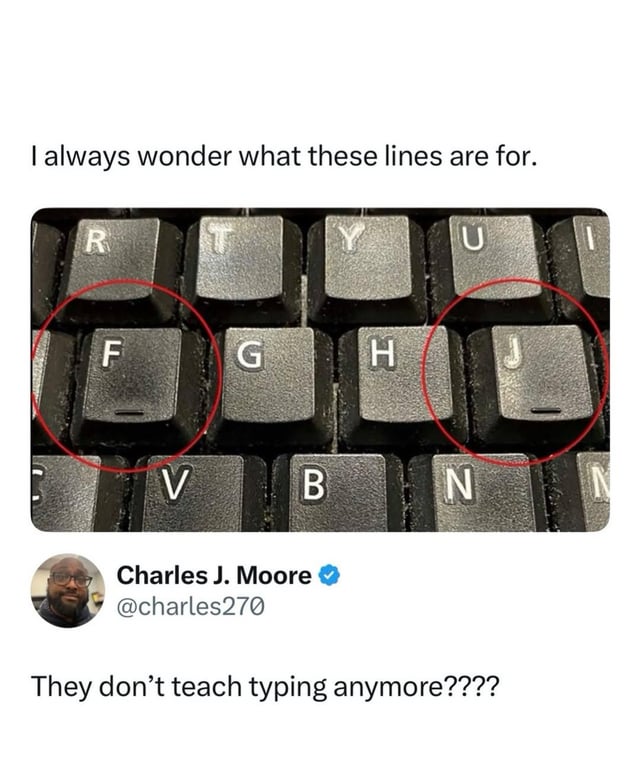
I learnt to use these... Completely without instruction. I move my hands as I type and alternate my fingers by default.
I've tried touch typing tutorials, where I'm meant to keep my fingers within a 'zone', however it was causing my hands to cramp once I reached 90 WPM.
These little indicators are lovely for touch typing though, even if I'm not doing it 'properly'. No repetitive strain injury in my weird way of typing without looking though!
Same here. The lines let me know where my fingers are in relation to the keyboard. Mavis Beacon would scream if she saw how I type, but I can do it at around 90wpm without looking.
You can avoid pain with the proper layout though, try workman or dvorak