SnowC0de

joined 5 years ago
MODERATOR OF
[–] SnowC0de@lemmy.ml -1 points 4 years ago

In capitalism the deaths are indirect deaths unlike in authoritarian systems, they are more difficult to calculate. But I got your point.


I LOVE Wikipedia, I think it's one of the best websites of the internet.

But the fact is that Wikipedia has many flaws:

  • Editing became very hard on Wikipedia based on the amount of rules to respect
  • Wikipedia is biased, many cultures and minorities are not well represented among editors and pages.
  • Wikipedia is a dependence, I can't imagine Wikipedia disappear, I think it already changed the way people see knowledge, not as something fixed anymore, but as something dynamic that changes and evolve.
  • Wikipedia 'sources admission' are also very... Weird. Because you can be a professional in a special field, it doesn't mean your contribution will be accepted, just because your source is not coming from a 'reliable source', even if YOU are this reliable source.

There are other problems as well, but I think those are the most important ones.

What do you think about it? If you could change anything or everything to Wikipedia, what would you do?

[–] SnowC0de@lemmy.ml 1 points 5 years ago (3 children)

Then explain why.


This is the things I use on my computer. :)

Conditions for a good software accoridng to me

  • Least number of visual stimulations. No notifications, no sounds, no tons of button everywhere... Best if it can be only used using keyboard.
  • Light, my computer also wants to benefit from minimalism.
  • Respects its users. It needs to be "free software" (free as freedom)
  • Being necessary for you.

The basic stuff

  • Xubuntu is my operating system.
  • dwm (plus dmenu) is my window manager. Everything is done using a few shortcuts and takes no space on the screen. The shortcuts are easy to get, but the installation might be tricky for new linux users.
  • st is my terminal. I use it for coding, writing and managing my system. The only thing I changed to it was to change the fontsize and enable the scrollback patch. But again it might be tricky to install for new linux users.

Browsing online

I already tried other stuff like "surf" but I don't like it because I want to use an adblocker.

  • Firefox is my favorite browser. I use it because it's lighter than other browsers, and I can install uBlock Origin.

Writing

I need to write things for school and for myself. So I mainly use Marktext or nano to write my stuff.

  • Marktext is a markdown editor. I like markdown because I don't want to pass the majority of my time on choosing fonts and stuff like that. Also I think it's more handy and reliable. I only use this app for exporting into pdf. I write using nano
  • Nano is a terminal-based editor. Very easy to use, only terminal based. I use for both writing markdown and writing code.
  • Libreoffice if I really need to have a "classic" office suite.

Communication

Chatting

  • dino (xmpp client), it is my favorite chatting software. I like it more than Discord because, instead of joining a ton of useless channels, you only join the ones you want. (Also it's lighter than Matrix.)
  • HexChat is my favorite IRC client. Yes I still use IRC, it's so simple and stupid, I love it!

Emails

  • Thunderbird, it has a very "brut" interface, but very handy and powerful. You can setup filters to automatically clean your inbox. I never get up to 20 messages in my inbox this way.

Coding

I use nano as my code editor. That's it, same thing as said above.

  • nano and st is my IDE :)
  • openscad is the cad software I use. Basically, design things in 3D using code.

Video

  • Shotcut is a nice video editor. Pretty straight forward. When I need something more advanced, I use kdenlive.
  • VLC is a nice video viewer.

Photo

  • Firefox is my image viewer.
  • GIMP is my image editor. I don't want to use photoshop.

Sound

  • Audacity is useful when I need to record sound
  • pavucontrol is the tool I use to manage the input/output audio stuff.
  • Musecore is a score editor I use to digitalize and read piano scores.
 

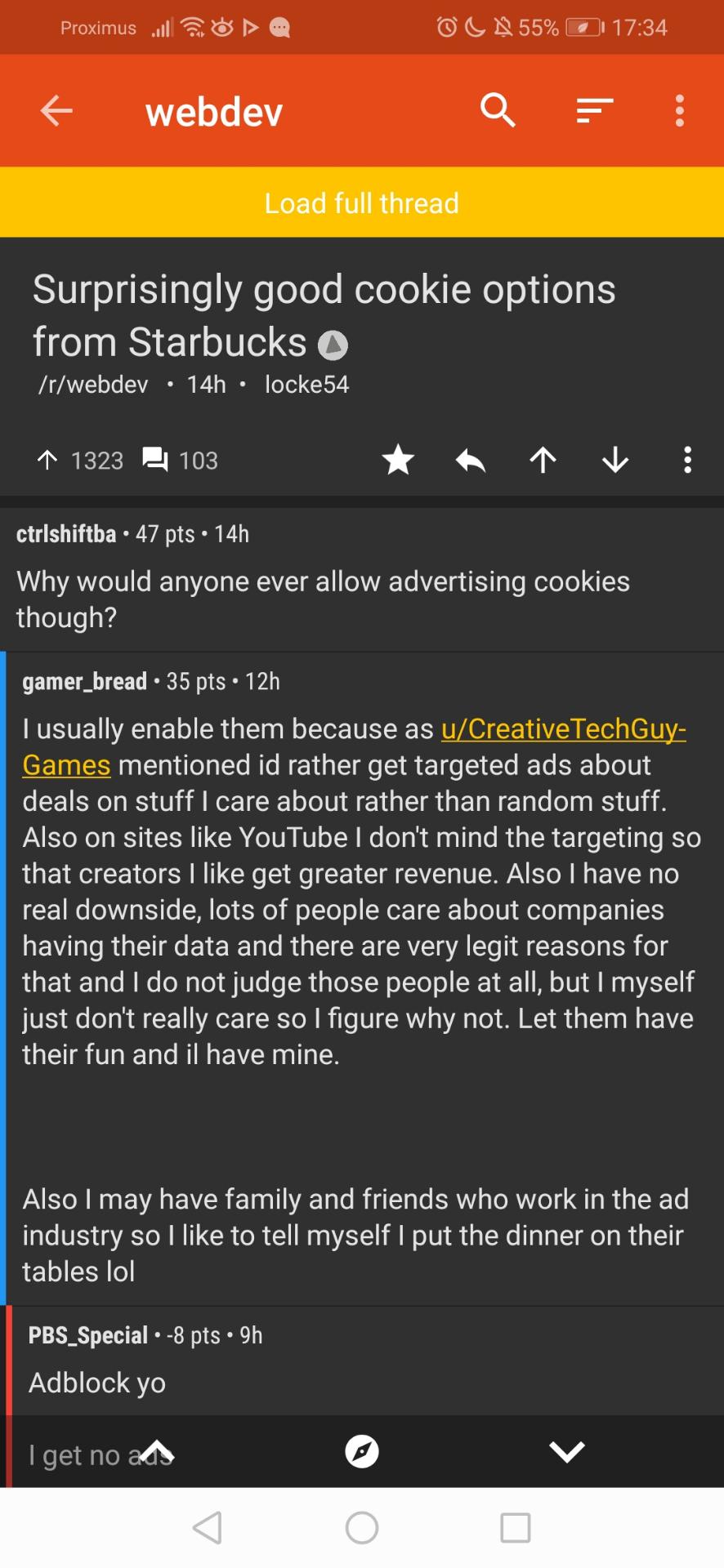
I found that on r/webdev. What do you think about this opinion?


Hi! I am a beginner programmer, but I would like to understand the general process to go from a non-activitypub to an activity software (ie. Lemmy)

1
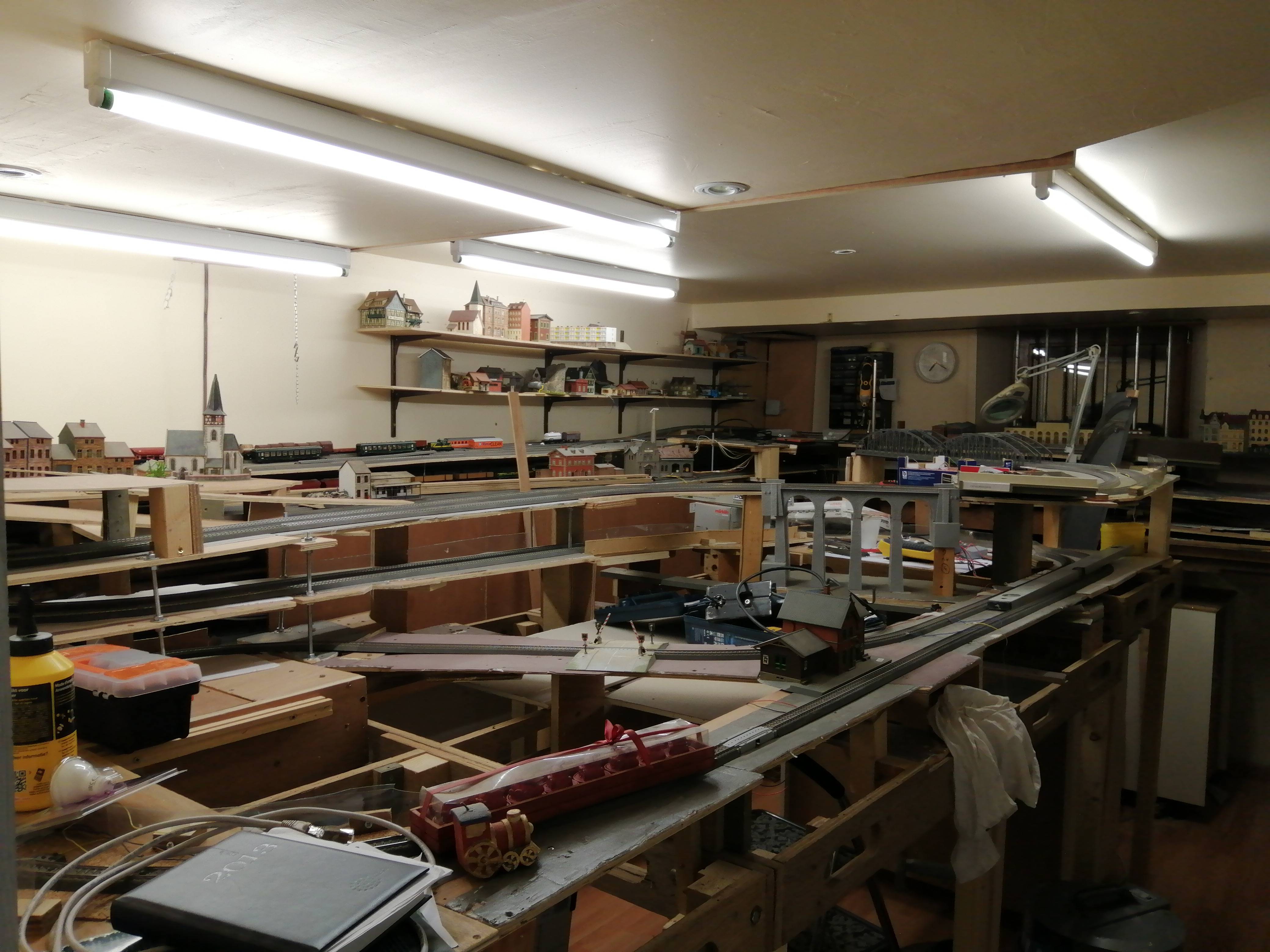
submitted 5 years ago* (last edited 5 years ago) by SnowC0de@lemmy.ml to c/modeltrains@lemmy.ml
 
1
submitted 5 years ago* (last edited 5 years ago) by SnowC0de@lemmy.ml to c/suckless@lemmy.ml


15 views and 1 like.


If you feel tired about the Arduino IDE and you are fan of terminal. I recommend you to try 'ino' as well as micro as editor.

Ino

Ino is a Python tool to build and upload code to Arduino boards. It is also very lightweight and fully open-source.

  1. Install Ino : pip2 install ino
  2. Create and initialize the project:
mkdir project
cd project
ino init
  1. To configure the settings about the board, you can use the following template: name this file ino.ini and add it into the root folder of your project.
[build]
board-model = mega2560

[upload]
board-model = mega2560
serial-port = /dev/ttyACM1

[serial]
serial-port = /dev/ttyACM1
  1. Code your script by modifying the file src/sketch.ino
  2. Build and upload to the Arduino (using the settings of the file ino.ini) run: ìno build && ino upload

Now each time you want to upload the project to the board you just need to run ino buid && ino upload. Ino will use the configuration of ino.ini to build your app.

Micro

This is not directly linked to Arduino but this is by far my preferred editor for terminal. You can use the shortcuts of nano but you have the customization and the code syntax of vim. The default colorscheme of Micro is gruvbox.

If you want more information about this editor, you can checkout: https://micro-editor.github.io/

Conclusion

I personally love them because I hate the default IDE and I am a big fan of developing app fully in terminal.

What do you think?
1
[MINIMAL] Open sourcerer! (preview.redd.it)
submitted 5 years ago* (last edited 5 years ago) by SnowC0de@lemmy.ml to c/wallpapers@lemmy.ml
 

Open sourcerer is a wallpaper possibly by the user u/lehuizi on Reddit but I am not sure if he is the original creator. Created on September 29 2019 (according the the post on Reddit)