What's on the USB? Are you sure it's properly formatted for EFI booting? Did you make sure it it's actually working when plugged in on another machine?
this post was submitted on 29 Aug 2024
21 points (86.2% liked)
Linux
53618 readers
57 users here now
From Wikipedia, the free encyclopedia
Linux is a family of open source Unix-like operating systems based on the Linux kernel, an operating system kernel first released on September 17, 1991 by Linus Torvalds. Linux is typically packaged in a Linux distribution (or distro for short).
Distributions include the Linux kernel and supporting system software and libraries, many of which are provided by the GNU Project. Many Linux distributions use the word "Linux" in their name, but the Free Software Foundation uses the name GNU/Linux to emphasize the importance of GNU software, causing some controversy.
Rules
- Posts must be relevant to operating systems running the Linux kernel. GNU/Linux or otherwise.
- No misinformation
- No NSFW content
- No hate speech, bigotry, etc
Related Communities
Community icon by Alpár-Etele Méder, licensed under CC BY 3.0
founded 7 years ago
MODERATORS
I tried ventoy with mbr then ventoy with gpt then balenaetcher and Rufus with gpt and then finally a windows usb through the media creation tool. None of them worked. It's fine with my old laptop but since it was a legacy boot I am not so sure.
Sounds like a BIOS config issue, or the USB ports are dead then.
Can usb ports die if you can transfer files through it ?. The bios is also what I thought so iam lost with that.
load more comments
(5 replies)
This seems like a very recent laptop.
I just got it this monday
I have basically the same laptop (it's an E16, but with the same CPU - it's just the 16-inch version of your laptop). Make sure you press enter, press F1 to go into BIOS, then go into Security > Secure Boot and enable "Allow Microsoft 3rd Party CA". That worked like a charm for me.
If you're still having problems, try writing down the steps you have taken (down to the key combinations; some pictures would be nice as well). I should have all the same settings menus.
Don't worry, though, you've made a good choice; I've been loving my Thinkpad E16.
I tried that as well the thing is the usb does not show up in the menu
Weird. What distro is on it, what program did you flash it with, and does it show up in the file manager on another machine?
The first was the ventoy one with mbr which I was fine other machines I have used it before with. It had like endeavour os , opensuse, pop os , linux mint windows 11 etc...
But I also reformatted it with windows 11 from meda creation tool as well to check but that also doesnt work which is the most strangest part
Could MBR be your problem somehow? Maybe it needs to be a GPT table instead.
In the top comment you could see I tried reformatting with gpt as well that was also not working
Could you record a video showing the steps you take to try to boot the USB?
Also, maybe pictures of any BIOS settings. I want to see if I can replicate the problem on my laptop.
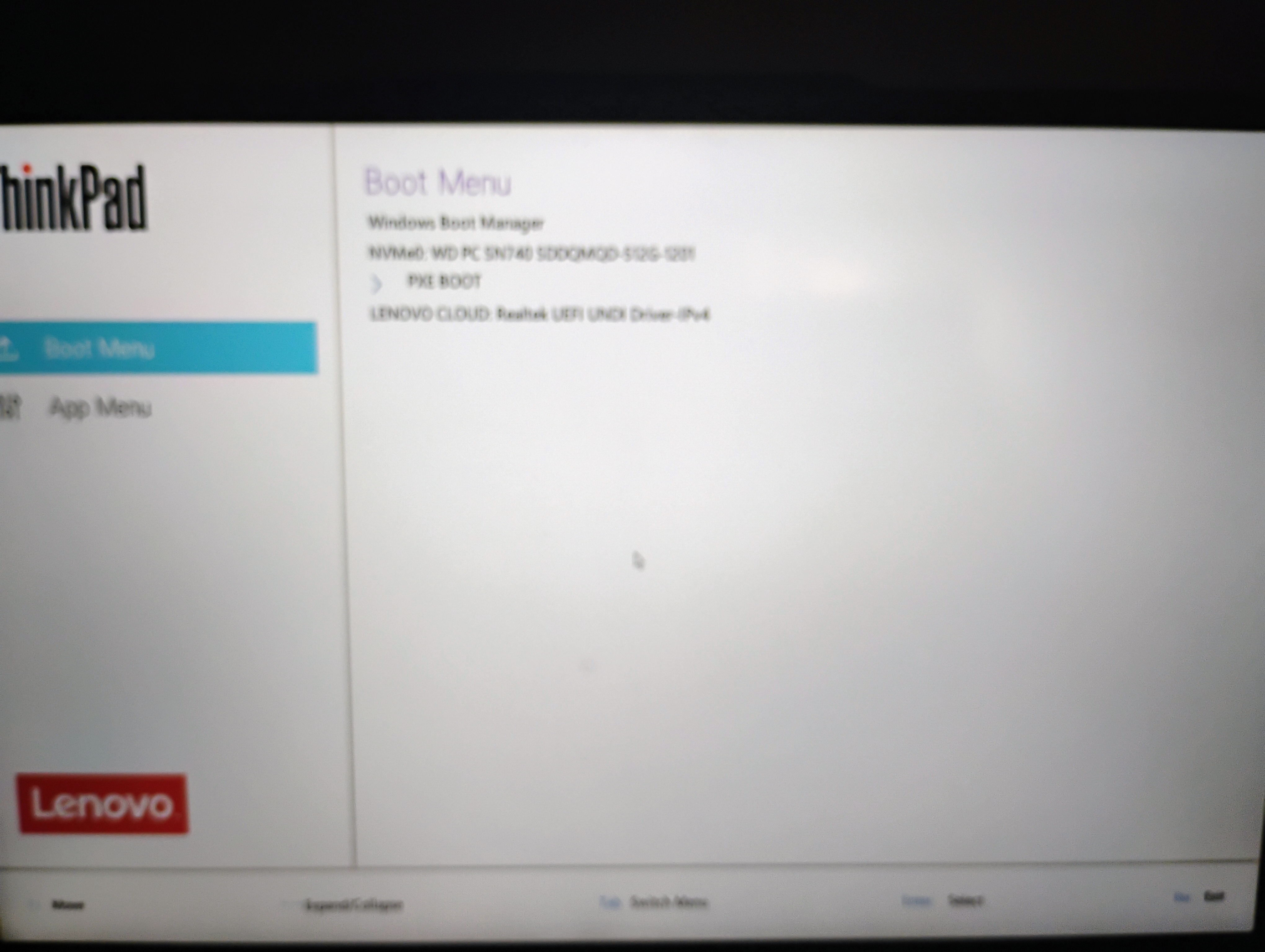
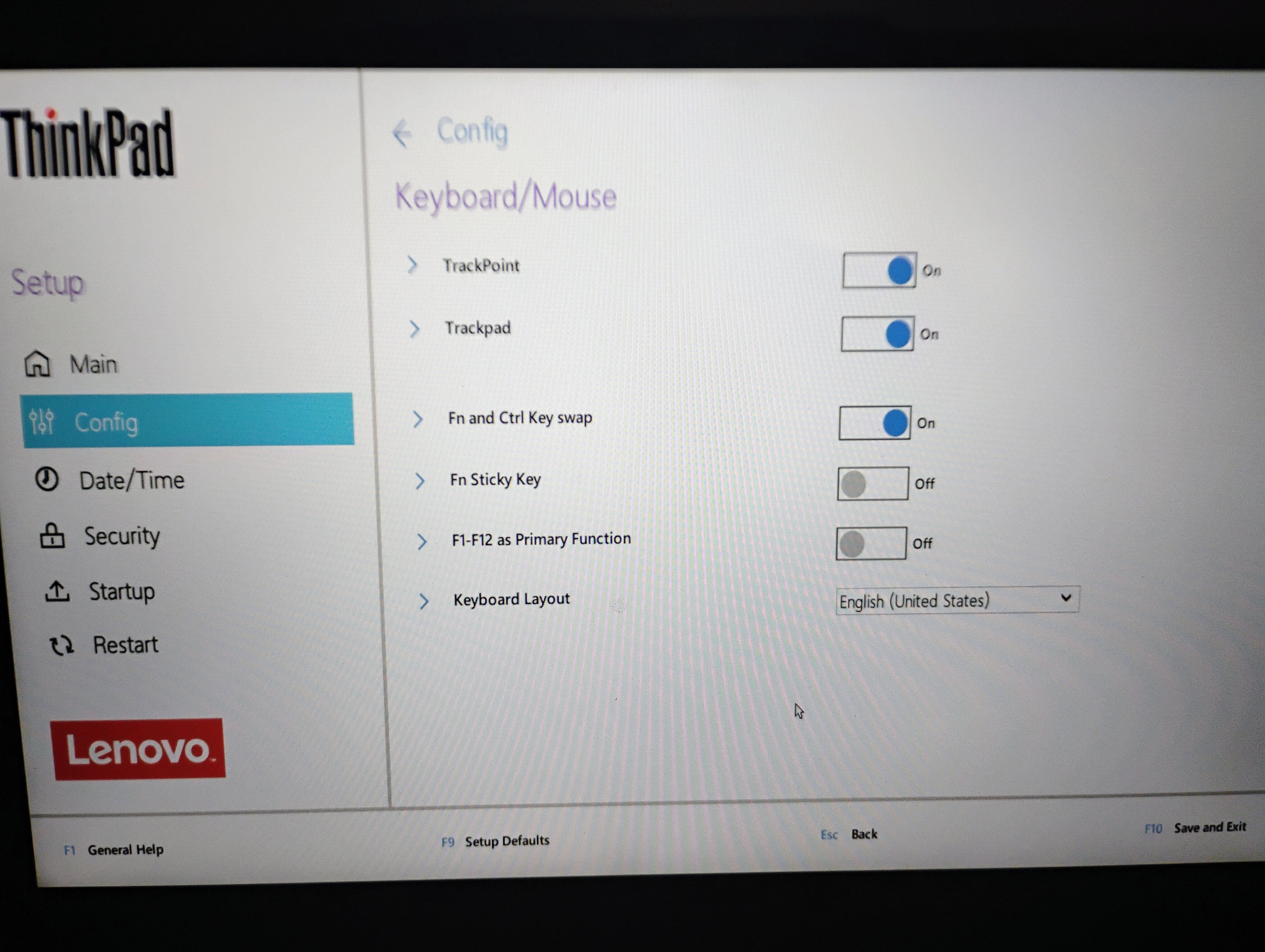
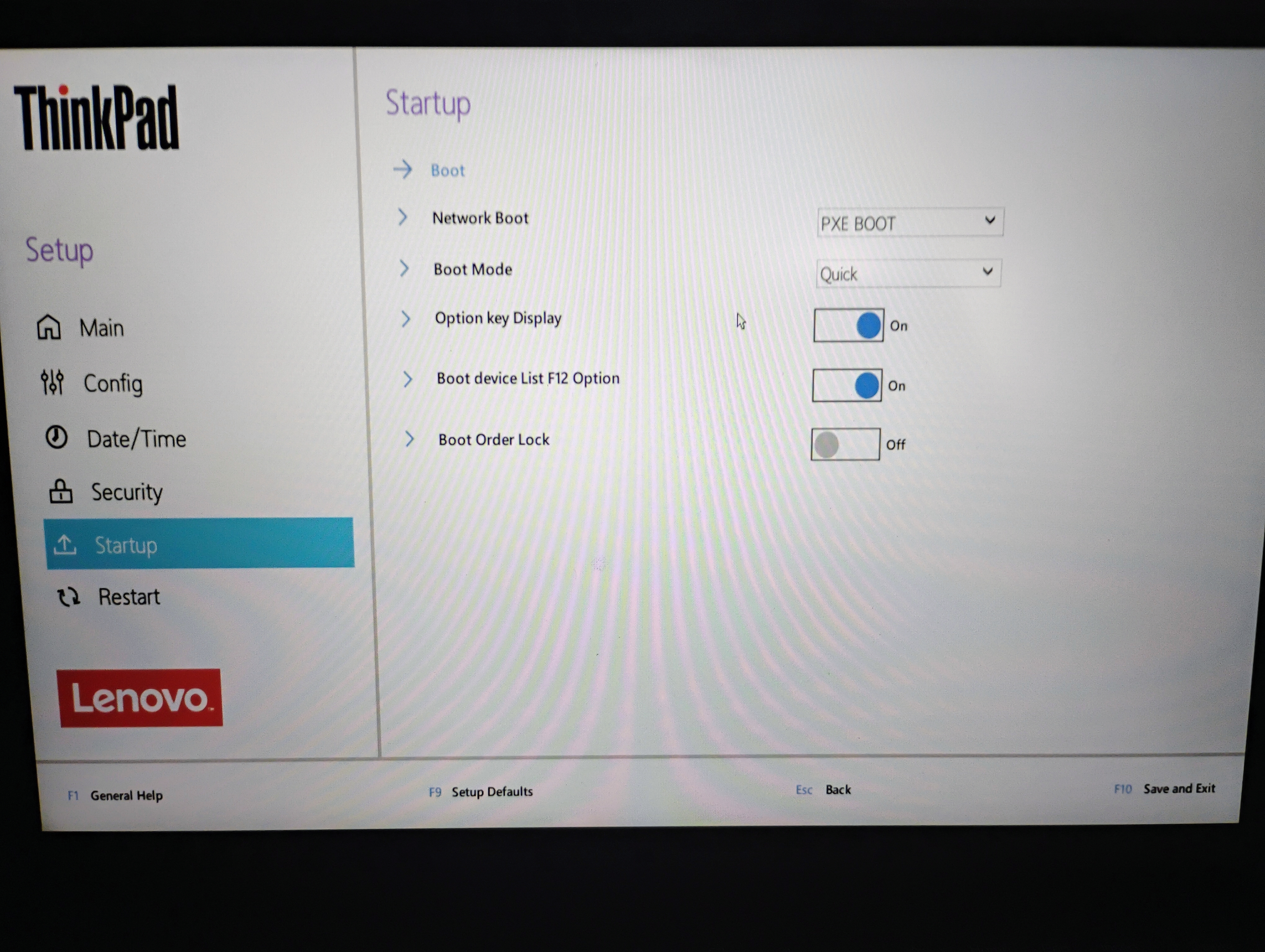
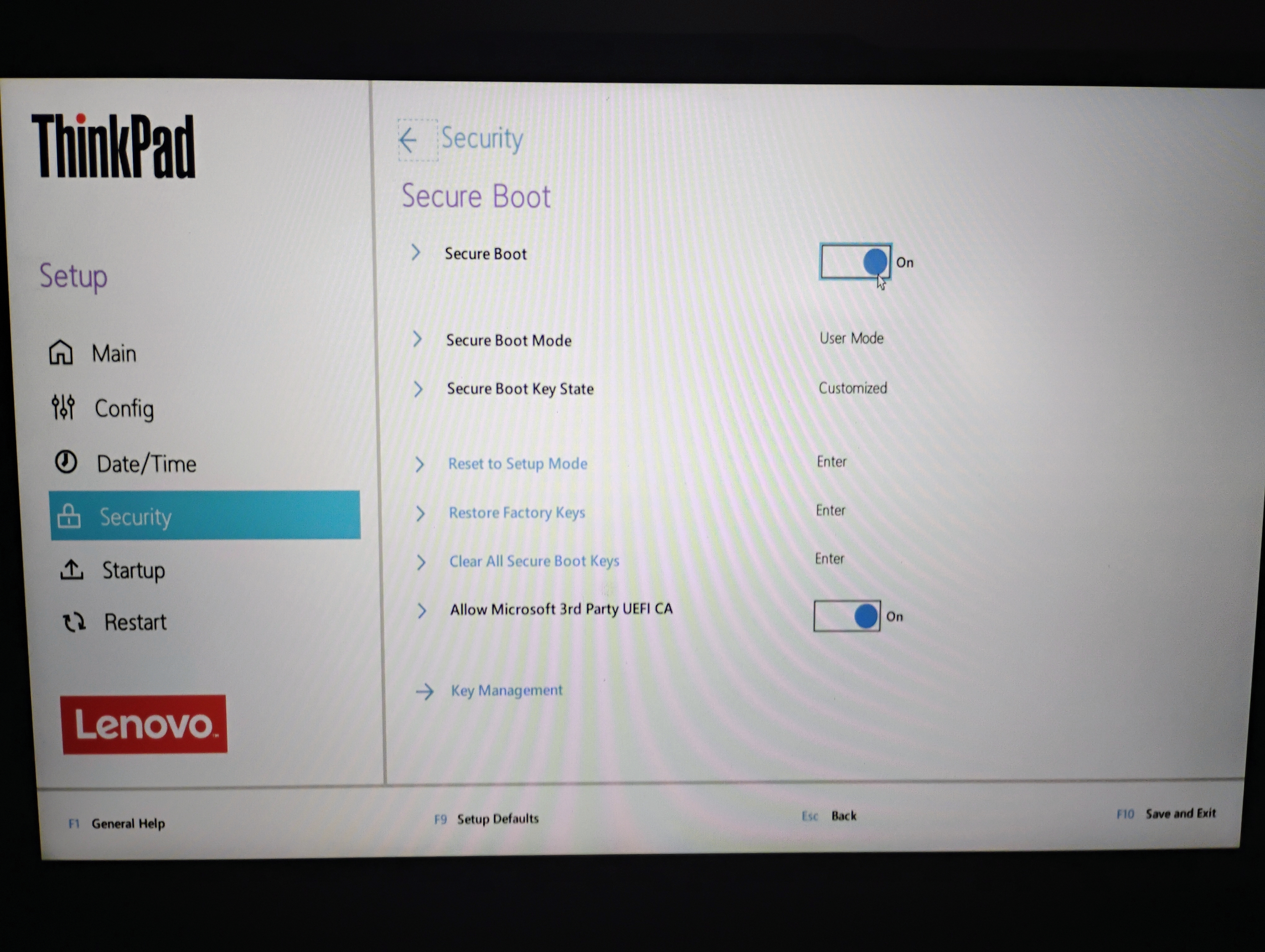
On 'Startup' section, what options are available for 'Boot Mode' ? May want to try using something other than Quick during OS install. Should be able to change it back afterwards for faster boots.
Tried that as well no luck
These settings seem exactly the same as mine in all significant ways. Can you show me a picture of Config > USB?
Also, what's the partitioning on your laptop like? Have you actually set up Windows, or have you just left it in OOBE mode for now? On my E16, I just put in a second drive and haven't even touched Windows yet.
Also, when I get time today, I might try replicating your steps with Ventoy to see what happens. Have you just tried straightup flashing an image? (If you haven't, probably try something like OpenSUSE or Debian, which tend to have better EFI support on their installers.)
I have completed the windows setup with the usual 3 partition and I used Ubuntu as well but booting is not the problem, the bios just doesn't seem to pick up the pendrive
Okay. What does your Config > USB look like?
Power through usb and the same on battery
Have you tried completely resetting all BIOS settings?
Factory defaults tried that
The last thing I would try is seeing if you can update/revert the firmware on this thing.
If not, then I think I might be out of ideas unless you happen to have a KVM switch that can stream over le intwerbz.
How do you reset the firmware ?
That's something you'll have to Google, but there should be a tool in Windows (you might have to install it from OEM website if you've reinstalled to debloat).
Tried that as well but that as well uses usb boot so that is also net detecting
What about this process: https://pcsupport.lenovo.com/us/en/products/laptops-and-netbooks/thinkpad-t-series-laptops/thinkpad-t14-type-20s0-20s1/20s0/solutions/ht500008-how-to-update-system-bios-windows#Update
See "Updating the BIOS from Windows". It's not your exact model, but the process should be the se.
Can you try Boot mode on anything other than "quick", and then F12 during boot see if that works?
The only other option is diagnostics that also doesnt work
I'm sorry you're going through that bud. I'm flat out of tricks.
Same I have already given up on it as well
did you try and press F1 at the logo screen after power on and adjust settings in the UEFI BIOS Config, Security and Startup menus?
Only disabled secure boot and tried enabled secure boot with 3rd party Microsoft ca
You should try enabling the options in:
- Startup>Boot>Boot device List F12 Option (most important)
- Config>USB (may be only for charging, but may also help)
- Security>I/O Port Access>USB Port (may be only for keyboard/mouse, but not clear)
and disable:
- Startup>Boot>Boot Order Lock (imporrant)
then Restart>Exit Saving Changes and press F12 furiously during next boot (as i don't know when exactly) and select USB.
Some uefi set ups have usb boot disabled by default. It may be worth having a poke around and seeing if yours does.
load more comments
(3 replies)
I suggest a few more things:
Try a different brand usb. Different motherboards sometimes don't support some usb brands. In fact, a Lenovo server I rebuilt refused to boot off certain usbs.
Some motherboards don't initialise boot off some usb ports. Sometimes the additional ports are on another controller and initialise too slow.
Just try a straight working Ubuntu live boot usb to remove any ventoy from equation. Ubuntu has real signed uefi (and no shim) granted by Microsoft. I think that's how it works, uefi is a mess.
Try to start isolating all the different factors, and there could be more. It doesn't necessarily mean anything definitive if it works on another machine.
Tried right now with a SanDisk with just Ubuntu using Rufus but that also does not show up
And you probably confirmed that live boot worked too I assume.
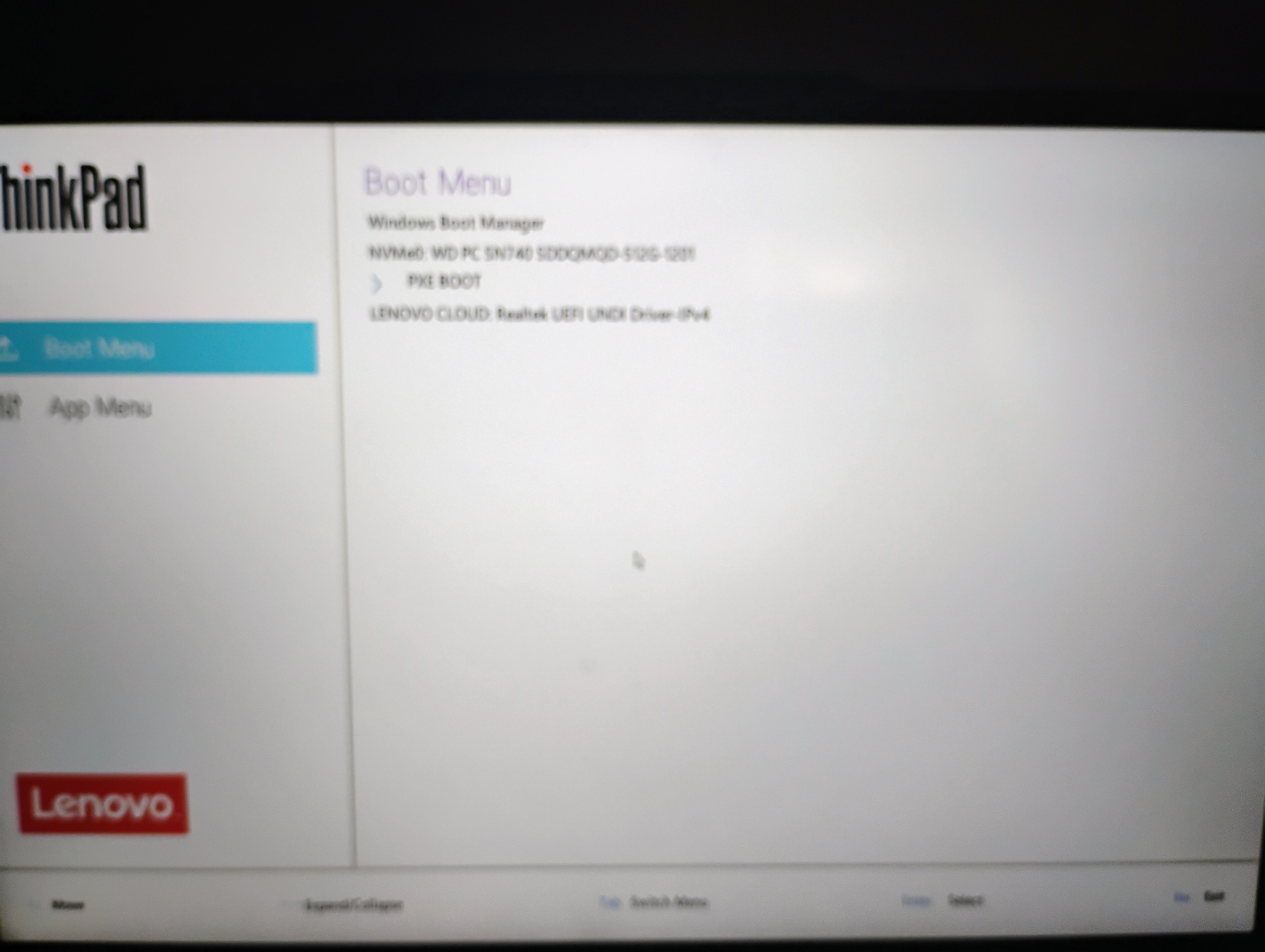
In the actual bios, can you see a boot order and see uefi for Windows/whatever is on your internal disk? But not any other entries?
I can see the windows boot manager, the nvme sdd and pxe boot thats it
Other then legacy and uefi does it have a CSM compatibility support mode? An option to enable usb initialisation before bios? Eg wait for usb initialisation?
Some "boot faster" options kind of reorder boot initialisation to a point where it's not holding the system back.
Though I'm really running out of suggestions.. I can imagine you're pretty frustrated. I know my Dell laptop was a pain to get the right settings to get usb to boot and the stupid 100db beep to silent on boot interruption.
No options for csm , no usb initialisation as well
view more: next ›