Know the alt code on Windows. On a Mac it’s just like a phone, hold the letter and hit the number that corresponds with the accent you want. Look up how to do it on Linux. Not such an impediment.
True — that would be a limitation of using a physical keyboard to input the password on someone else's Windows computer. In many ways, you can use the on-screen keyboard. If you're logging into Windows, it might be a problem. However, if you're on their Windows machine, you could just use charmap.exe.
I forgot game consoles. Xbox and Switch have access to accents as well. I imagine PlayStation does as well, but my last PlayStation was a PS3 (still own it).
it is all fine and good until youe bios decides that it wants to change how to handle keyboard layouts in the password input prompt or grub decides your keyboard is a US ANSI keyboard for no reason
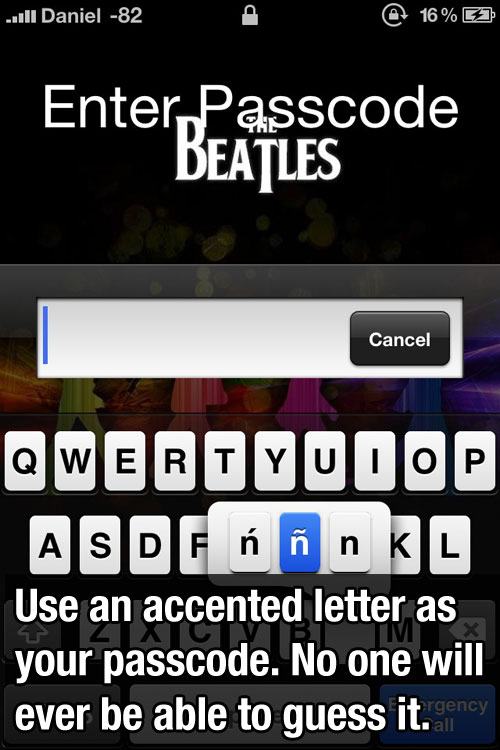
Know the alt code on Windows. On a Mac it’s just like a phone, hold the letter and hit the number that corresponds with the accent you want. Look up how to do it on Linux. Not such an impediment.
Assuming your device has a numpad..
True — that would be a limitation of using a physical keyboard to input the password on someone else's Windows computer. In many ways, you can use the on-screen keyboard. If you're logging into Windows, it might be a problem. However, if you're on their Windows machine, you could just use charmap.exe.
I forgot game consoles. Xbox and Switch have access to accents as well. I imagine PlayStation does as well, but my last PlayStation was a PS3 (still own it).
it is all fine and good until youe bios decides that it wants to change how to handle keyboard layouts in the password input prompt or grub decides your keyboard is a US ANSI keyboard for no reason
I assume you have had this issue before then lol
More than once