this post was submitted on 26 Nov 2024
1118 points (99.0% liked)
Microblog Memes
11729 readers
1348 users here now
A place to share screenshots of Microblog posts, whether from Mastodon, tumblr, ~~Twitter~~ X, KBin, Threads or elsewhere.
Created as an evolution of White People Twitter and other tweet-capture subreddits.
RULES:
- Your post must be a screen capture of a microblog-type post that includes the UI of the site it came from, preferably also including the avatar and username of the original poster. Including relevant comments made to the original post is encouraged.
- Your post, included comments, or your title/comment should include some kind of commentary or remark on the subject of the screen capture. Your title must include at least one word relevant to your post.
- You are encouraged to provide a link back to the source of your screen capture in the body of your post.
- Current politics and news are allowed, but discouraged. There MUST be some kind of human commentary/reaction included (either by the original poster or you). Just news articles or headlines will be deleted.
- Doctored posts/images and AI are allowed, but discouraged. You MUST indicate this in your post (even if you didn't originally know). If an image is found to be fabricated or edited in any way and it is not properly labeled, it will be deleted.
- Absolutely no NSFL content.
- Be nice. Don't take anything personally. Take political debates to the appropriate communities. Take personal disagreements & arguments to private messages.
- No advertising, brand promotion, or guerrilla marketing.
RELATED COMMUNITIES:
founded 3 years ago
MODERATORS
you are viewing a single comment's thread
view the rest of the comments
view the rest of the comments
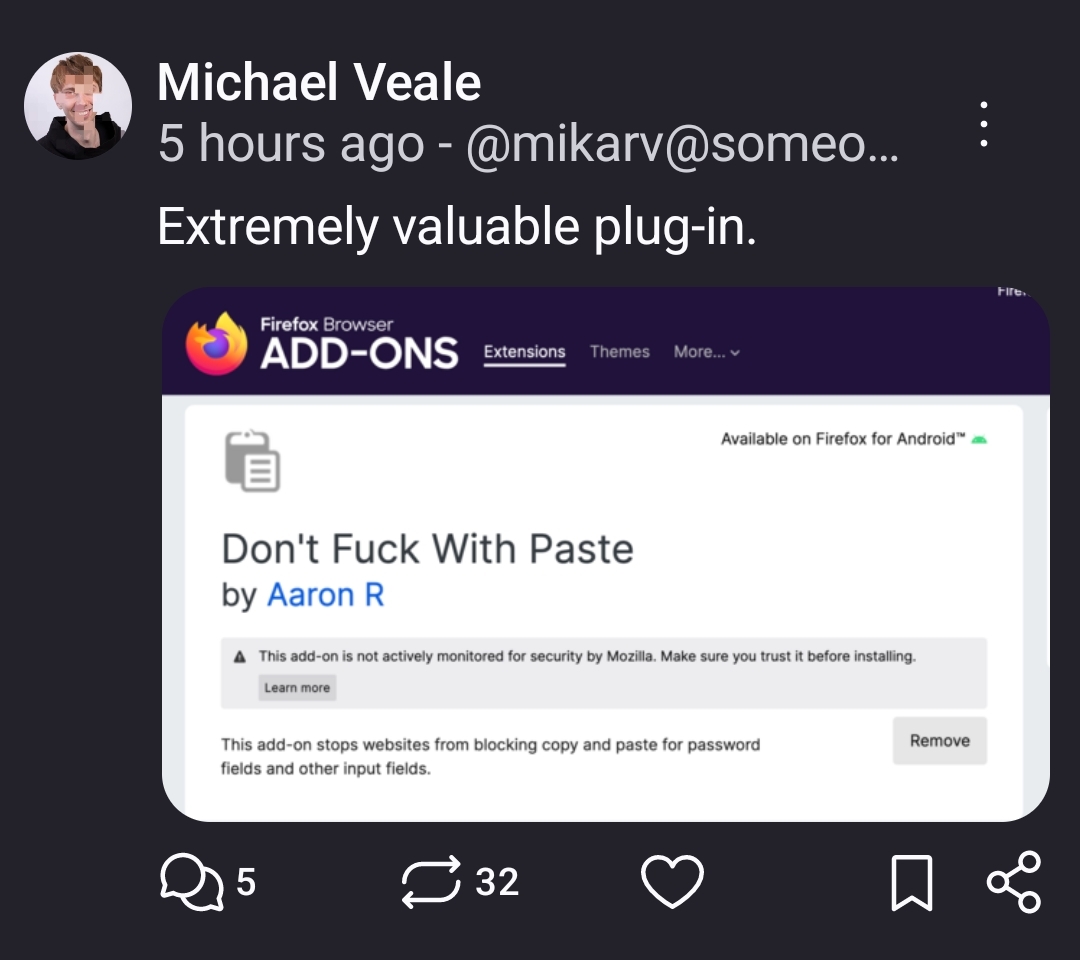
There is a Firefox extension called Absolute Enable Right Click & Copy that works great for a lot sites that block you from being able to copy.
That sounds right up my alley because another pet peeve of mine is when they block me from opening an image in a new tab via the right click menu. My eyes aren't what they used to be and I need to ZOOM sometimes.
Link for the lazy: https://addons.mozilla.org/en-US/firefox/addon/absolute-enable-right-click/
It's a really good extension. Has a tendency to break some functionality of websites when it's on, but it's easy to just toggle it on, refresh the page, grab what you need, then toggle it off again.
If you're using Windows, there is a utility included in PowerToys that you might find useful to get the text from those screenshots: https://learn.microsoft.com/en-us/windows/powertoys/text-extractor
ShareX has an OCR feature. It's a tool for taking screenshots and recordings, with support for configurable workflows which can do all sorts, including extract text from the snipped area and copy it to the clipboard.
I find that pressing Ctrl+C while highlighting the text (still holding left click) works, at least with Cengage
I just thought of a possible bypass. Maybe a phone’s “scan document” function can help with that? Provided that the text is clear, you may be able to scan a webpage and save it as a scanned document. Then open the doc on your phone (or other device), and you should be able to highlight and copy the scanned text.
Okay, maybe not. I tested it with this very page and although the copied text got the gist, I still would’ve had to go back and edit things. But eh, YMMV. It could be a valid work-around for somebody, just with different text or using a different device.
Screenshot, paste to GPT and ask it to parse to text.