this post was submitted on 22 Nov 2024
919 points (99.6% liked)
Microblog Memes
11965 readers
2458 users here now
A place to share screenshots of Microblog posts, whether from Mastodon, tumblr, ~~Twitter~~ X, KBin, Threads or elsewhere.
Created as an evolution of White People Twitter and other tweet-capture subreddits.
RULES:
- Your post must be a screen capture of a microblog-type post that includes the UI of the site it came from, preferably also including the avatar and username of the original poster. Including relevant comments made to the original post is encouraged.
- Your post, included comments, or your title/comment should include some kind of commentary or remark on the subject of the screen capture. Your title must include at least one word relevant to your post.
- You are encouraged to provide a link back to the source of your screen capture in the body of your post.
- Current politics and news are allowed, but discouraged. There MUST be some kind of human commentary/reaction included (either by the original poster or you). Just news articles or headlines will be deleted.
- Doctored posts/images and AI are allowed, but discouraged. You MUST indicate this in your post (even if you didn't originally know). If an image is found to be fabricated or edited in any way and it is not properly labeled, it will be deleted.
- Absolutely no NSFL content.
- Be nice. Don't take anything personally. Take political debates to the appropriate communities. Take personal disagreements & arguments to private messages.
- No advertising, brand promotion, or guerrilla marketing.
RELATED COMMUNITIES:
founded 3 years ago
MODERATORS
you are viewing a single comment's thread
view the rest of the comments
view the rest of the comments
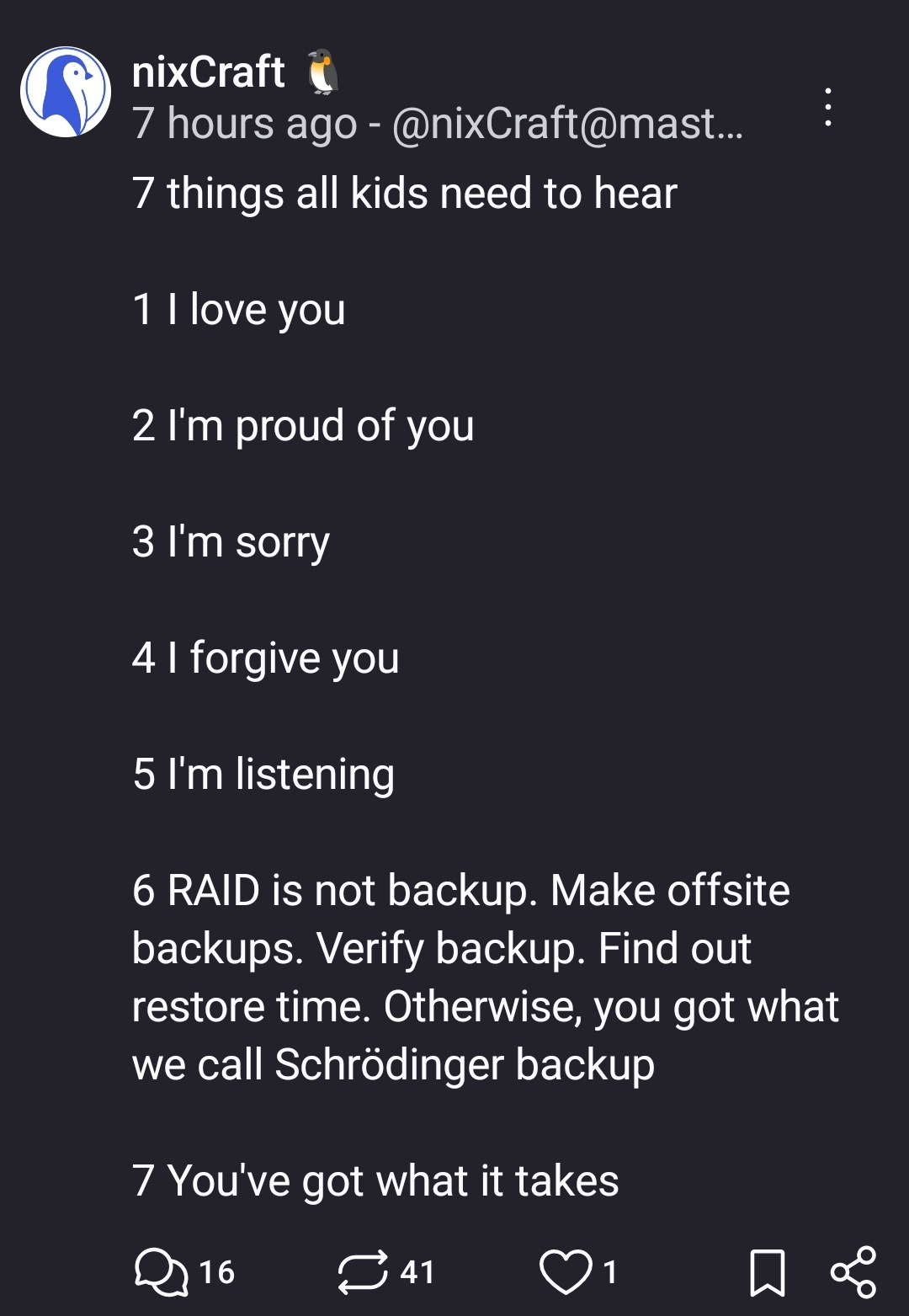
As someone working in IT, I don't care about your data either. Just don't come crawling to me for help when it all goes wrong.
That being said, one drive/drop box/Google drive/whatever cloud storage.... IMO, that's fine for personal files.
I don't personally like the "full disk" backups for personal stuff. It seems like massive overkill. Like, you're backing up Windows and applications that are probably out of date, and stuff.... Why? Plus restoring a full disk image to a bare-metal system is a massive pain in the backside. Unless it's a server that needs to get up and running ASAP after a failure, just back up the important/unique files (generally the user folder), and if the worst happens, reinstall everything and restore the important files.
The only point on my IT approved backup list that you don't meet the criteria for is incremental/historical snapshots or restore points. Bluntly, if you're okay not having those and accepting the liability that if the files get deleted by accident using a legitimate method to delete them, then that's your risk to accept.
None of what you're doing ruffles my jimmies. As long as you're making an informed decision, and accepting the risks, then the rest is on you. If you don't care, then I certainly don't care either.